
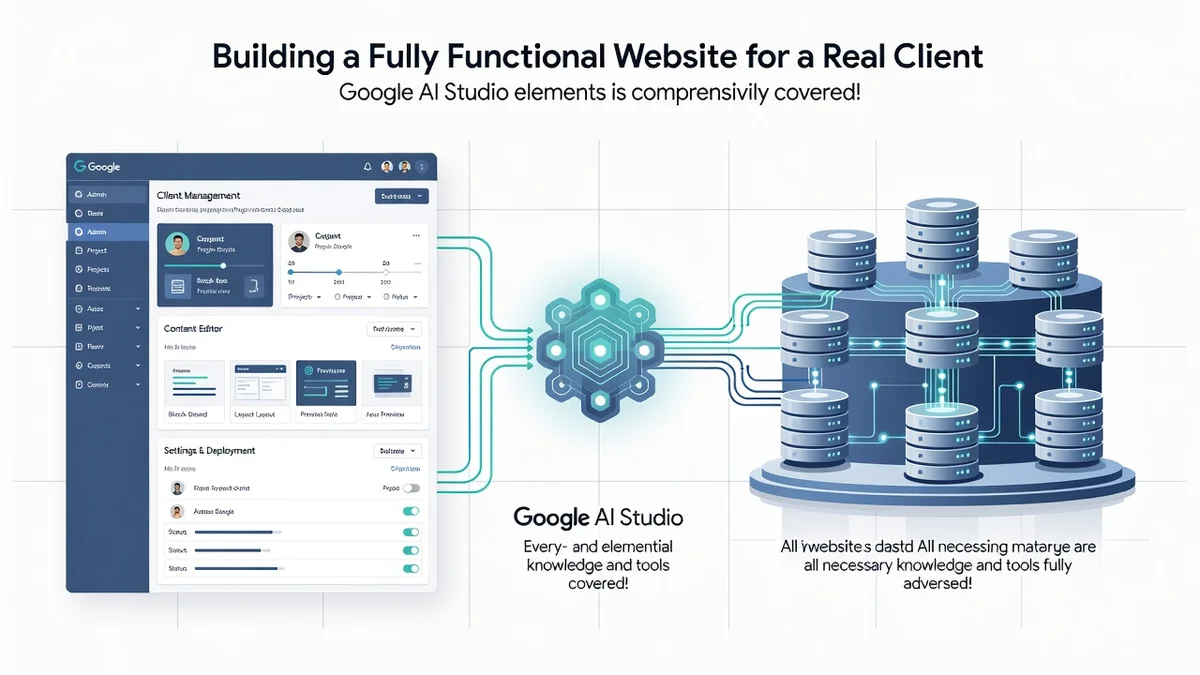
Build a Fully Functional Website for — Building a real website for a paying client used to mean weeks of Learn Learn more about the steps and the final checks.
Introduction
Building a fully functional website for a real client used to require a development team, weeks of coding, and a budget most small businesses could not justify. Google AI Studio changes that equation. By combining AI-assisted code generation with a hosted database and an admin panel, a single motivated builder can deliver a production-ready site that a client can actually manage day to day. This article explores Build a FULLY FUNCTIONAL Website for a REAL Client with Google AI Studio | Admin Panel + Database with clear, practical guidance you can apply immediately.
The promise sounds simple: describe what you want, generate the code, connect a database, hand over the keys. The reality involves decisions about data modeling, authentication, hosting, and long-term maintenance. Understanding the fundamentals of Build a FULLY FUNCTIONAL Website for a REAL Client with Google AI Studio | Admin Panel + Database helps you make informed decisions instead of guessing your way through a client project. Reliable information and consistent habits lead to better long-term outcomes, both for your portfolio and for the business relying on the site you deliver.
Whether you are a freelancer taking on your first paid build, a small agency looking to speed up delivery, or a technically curious owner who wants to control their own platform, this guide walks through the concepts, the workflow, and the pitfalls that separate a demo from a deployable product.
Key Concepts
Before touching a prompt box, you need a shared vocabulary. The following ideas underpin every successful build using this approach.
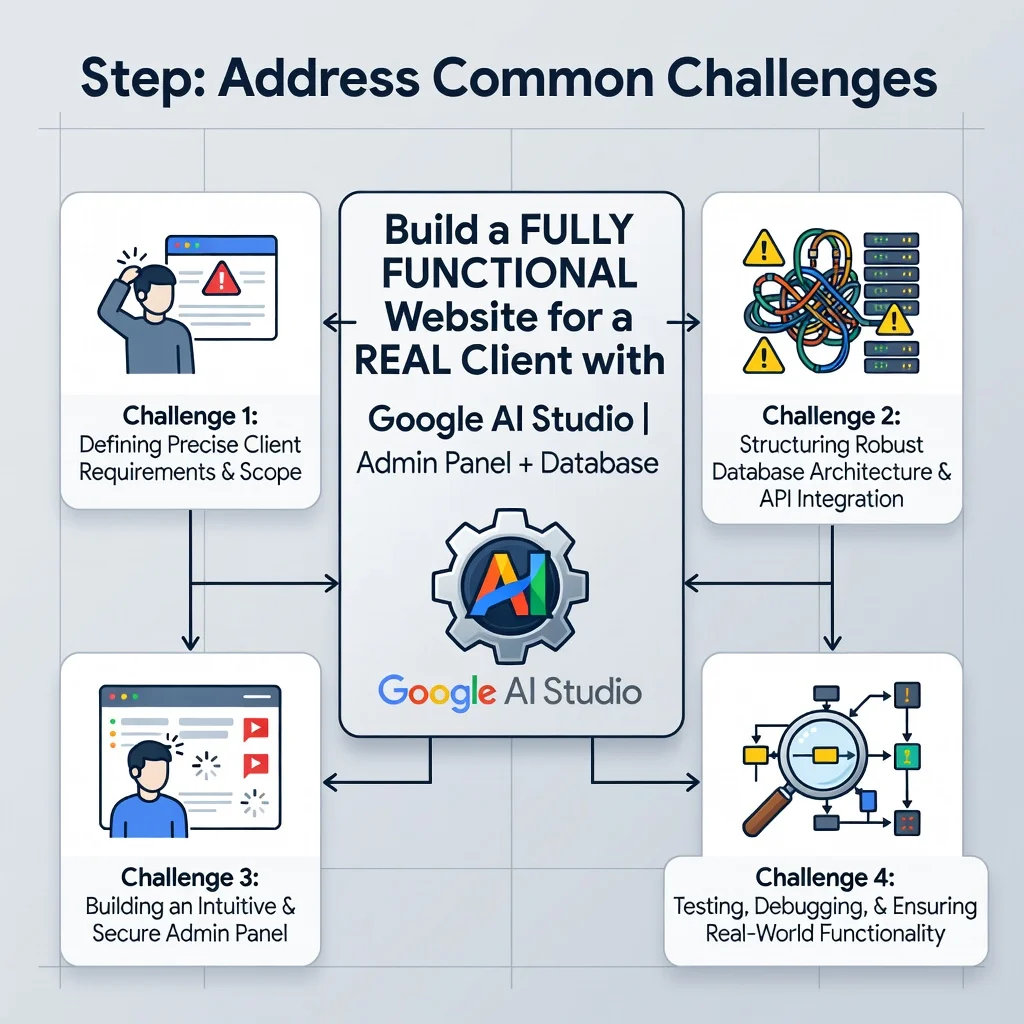
Google AI Studio as a Build Partner
Google AI Studio provides access to Gemini models through a browser-based interface and an API. You can use it to generate HTML, CSS, JavaScript, database schemas, and server logic. It is not a website builder in the drag-and-drop sense; it is a reasoning engine that produces code you then review, refine, and deploy. Treat it as a fast pair programmer, not an autonomous developer.
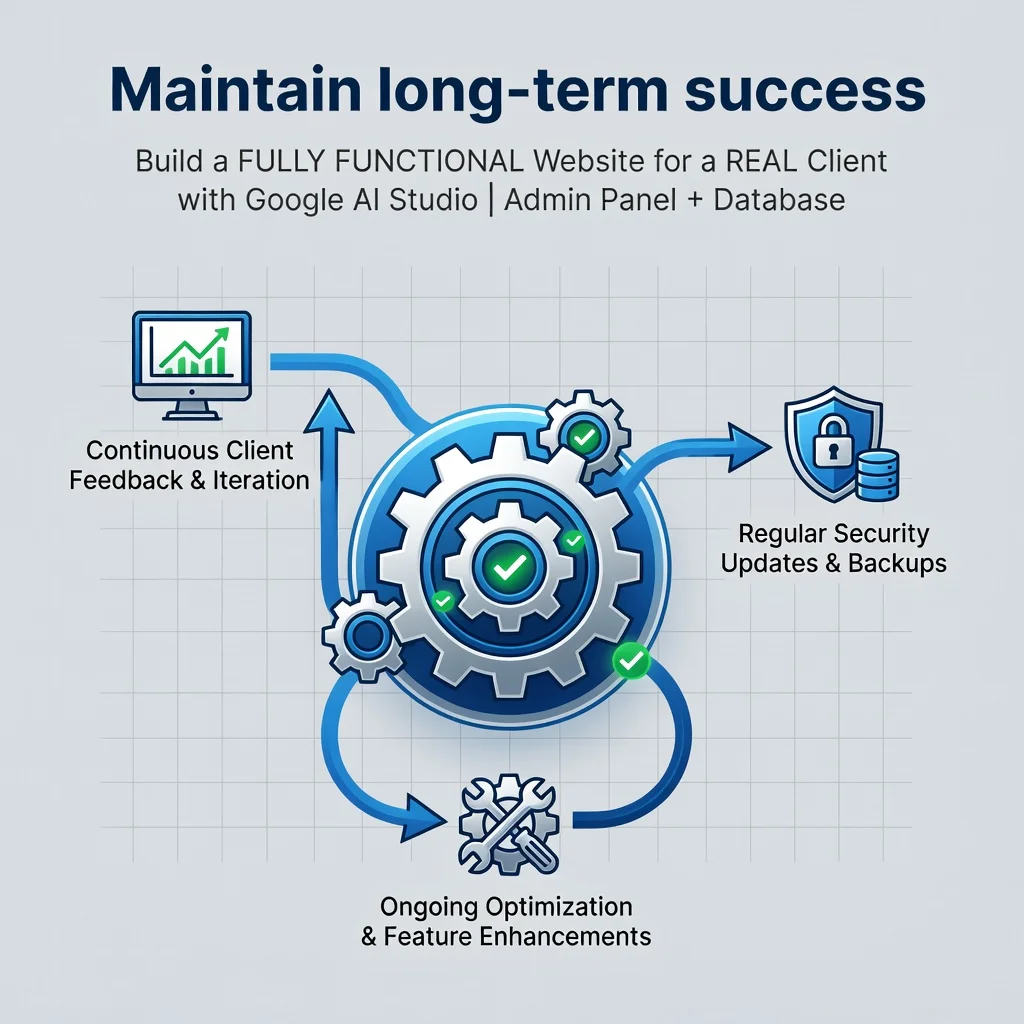
The Admin Panel
An admin panel is a protected area where the client can create, read, update, and delete content without touching code. For a real client, this is often the single most valuable deliverable. A beautiful homepage that cannot be updated is a liability. A modest homepage with a working dashboard is an asset.
The Database Layer
The database stores users, content, orders, messages, and settings. For most small client sites, a managed relational or document database is the right call. You should choose based on the shape of the data: relational for structured records with relationships, document-based for flexible content blocks. The key requirement is persistence across deployments and a backup path.
Authentication and Authorization
Authentication confirms who a user is. Authorization decides what they can do. Your client needs at least two roles: administrator and public visitor. Many projects also need an editor role for staff who manage content but should not change billing or user permissions.
Deep Dive
The full build breaks into four interlocking layers: the front end the public sees, the admin interface the client uses, the API that connects them, and the database that remembers everything. Each layer has failure modes that only appear when real data and real users arrive.
Prompting for Production-Quality Code
Vague prompts produce vague code. Instead of asking for “a website,” specify the page structure, the fields each record needs, the user roles, and the framework. Ask for environment variables rather than hard-coded secrets. Request error handling explicitly, because generated code often assumes the happy path. Iterate in small increments and test each one before moving on.
Designing the Data Model First
Generated code is easy to regenerate; a corrupted data model is expensive to migrate. Sketch your tables or collections on paper before prompting. Include timestamps, soft-delete flags, and unique constraints where relevant. For a client site, common entities include users, pages, posts, media, contact submissions, and site settings.
Security Is Not Optional
- Never expose API keys or database credentials in front-end code.
- Validate and sanitize every input on the server side, not just the browser.
- Hash passwords with a modern algorithm; never store them in plain text.
- Enforce authorization checks on every admin route, not only in the UI.
- Keep dependencies updated and review generated code for outdated patterns.
Hosting and Deployment
Choose a host that supports your stack, environment variables, and automatic deploys from a repository. Set up a staging environment so the client can review changes before they reach the live site. Configure a custom domain, HTTPS, and basic analytics. A client judges reliability by uptime, not by how clever your architecture is.
Step-by-Step Guide
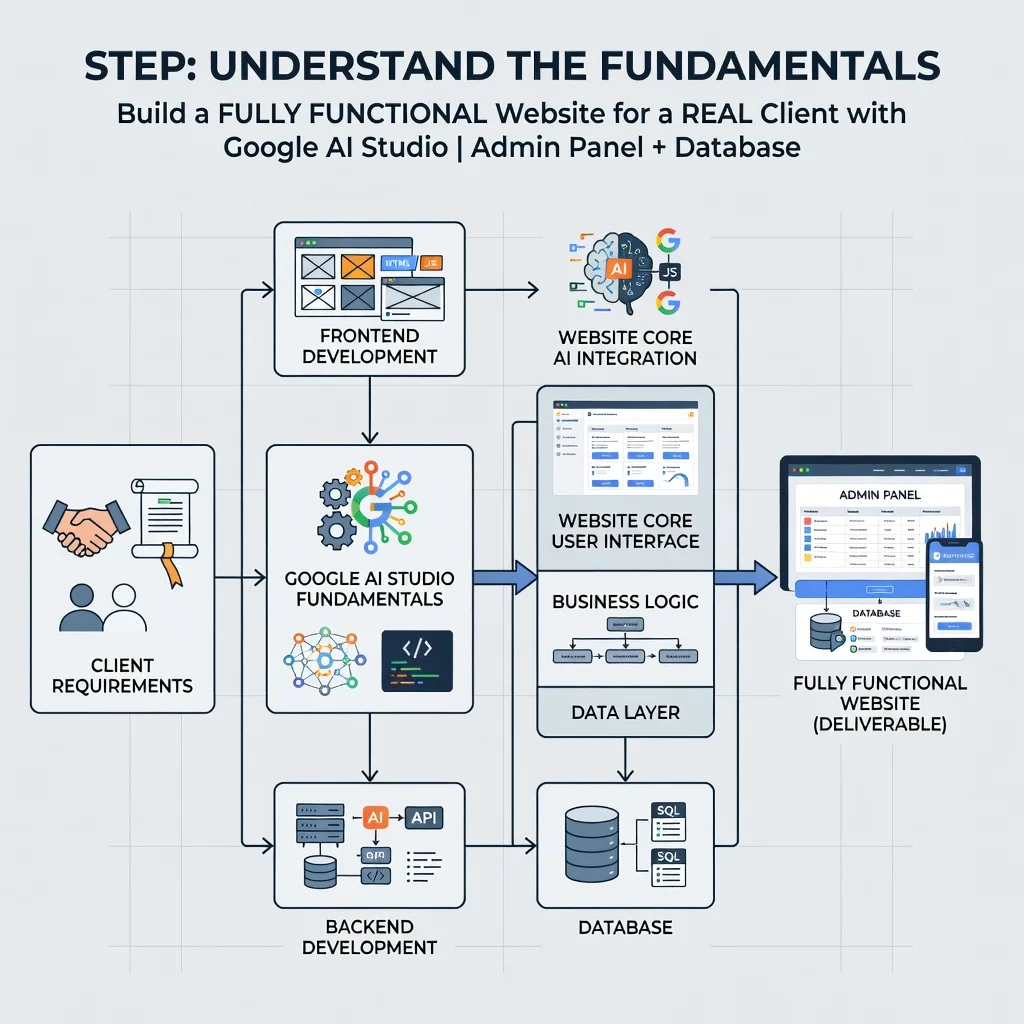
Step 1: Understand the fundamentals
Spend time with the core mechanics before you commit to a client deadline. Build a throwaway project that has one public page, one admin login, and one database table. Break it. Fix it. Repeat until you can explain, in plain language, how a form submission travels from the browser to the database and back. This foundational fluency is what lets you debug real problems later instead of panicking.
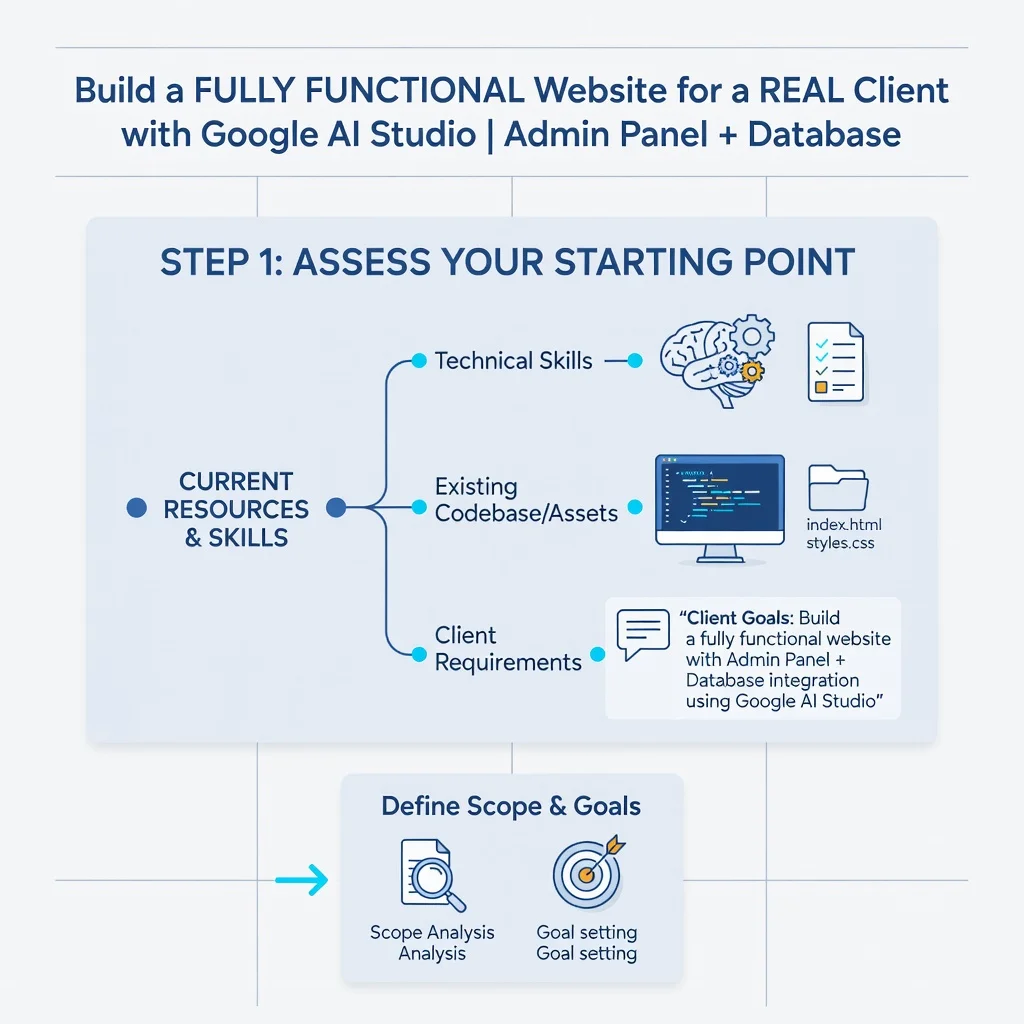
Step 2: Assess your starting point
Take honest inventory of your skills, tools, and constraints. Can you read and modify generated JavaScript? Do you understand HTTP status codes? What is your budget for hosting and database services? What is the client’s actual deadline? Write these answers down. Projects fail when the builder’s real capabilities are further from the plan than anyone admits.
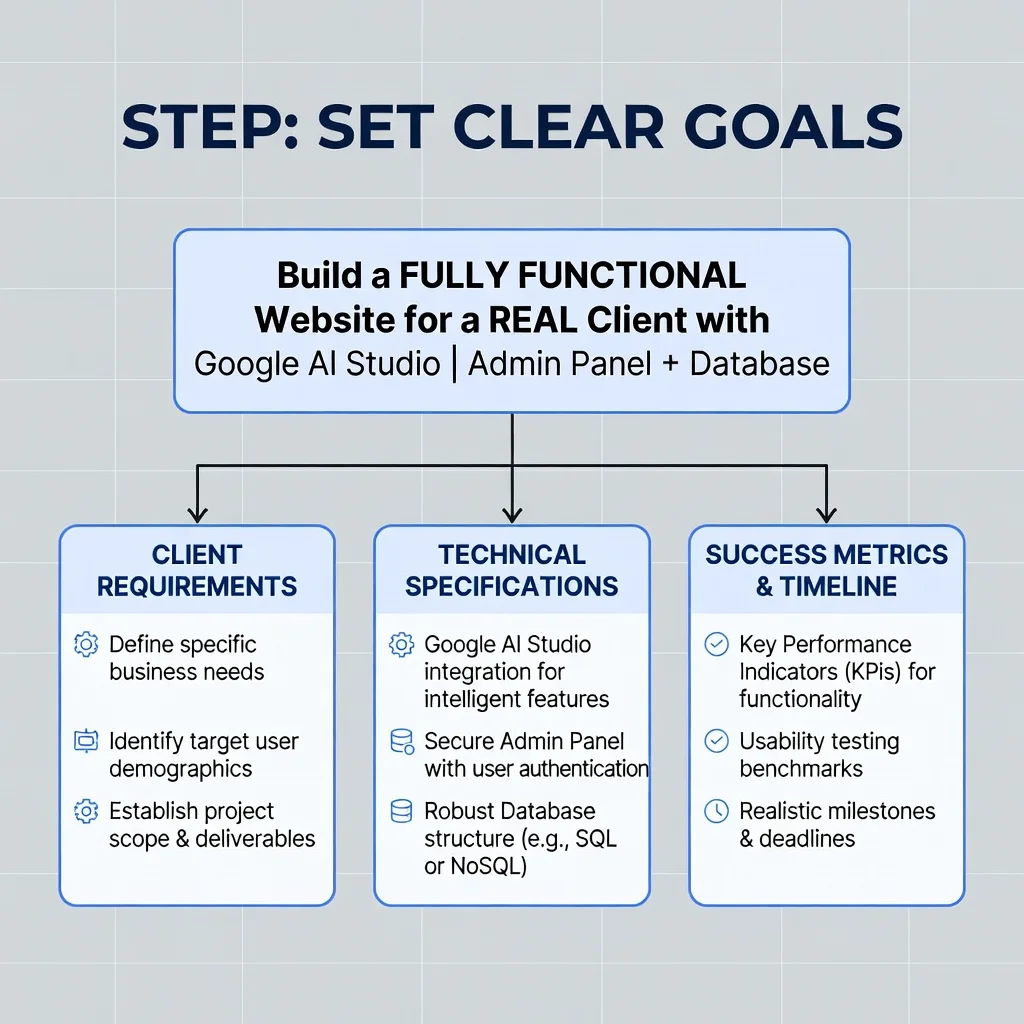
Step 3: Set clear goals
Convert the client’s wishes into measurable outcomes. “A nice website” is not a goal. “A site with five static pages, a blog the owner can update weekly, a contact form that emails the owner, and an admin login” is a goal. Define what done looks like, and get the client to agree in writing. This protects both of you from scope creep.
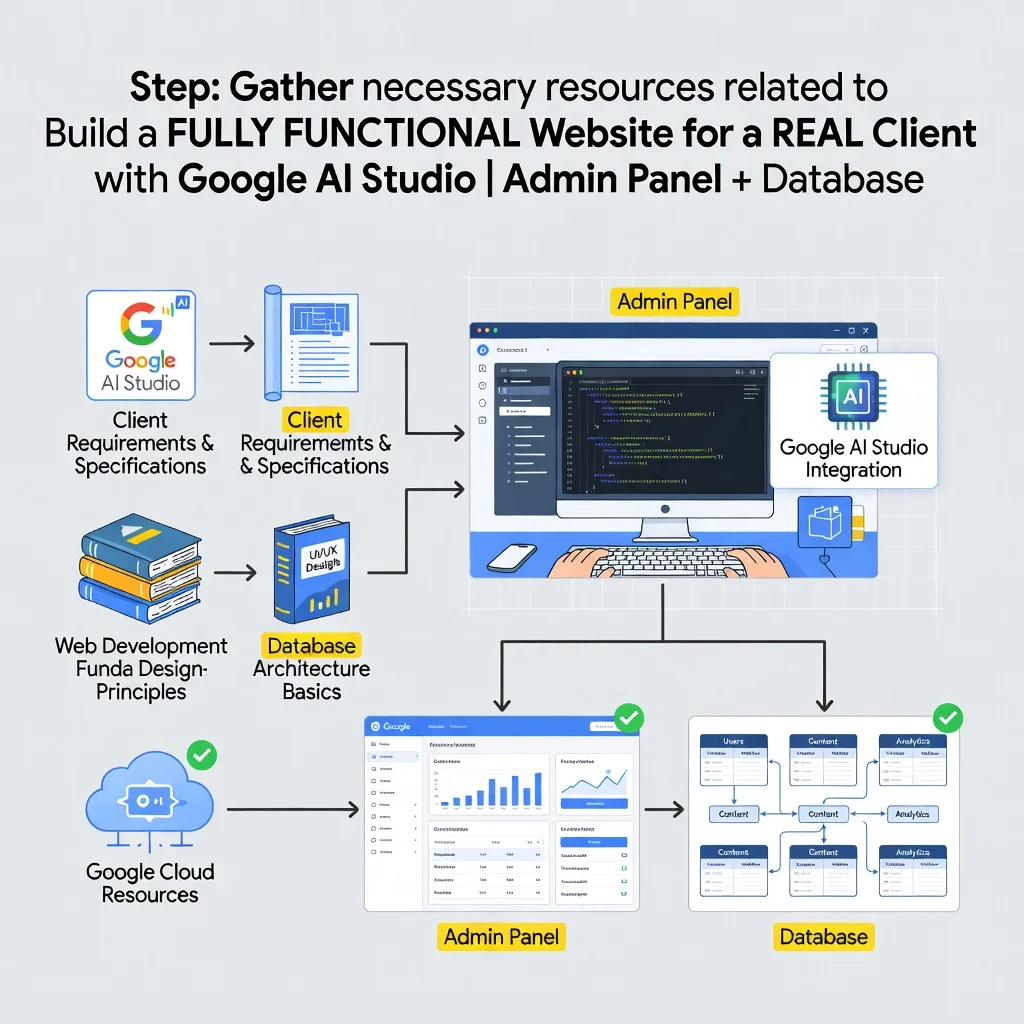
Step 4: Gather necessary resources
- Access to Google AI Studio and an API key stored securely.
- A code editor and a version control repository.
- A managed database instance with credentials ready.
- A hosting account that supports your runtime and environment variables.
- Client assets: logo, copy, images, and brand guidelines.
- A communication channel for reviews and approvals.
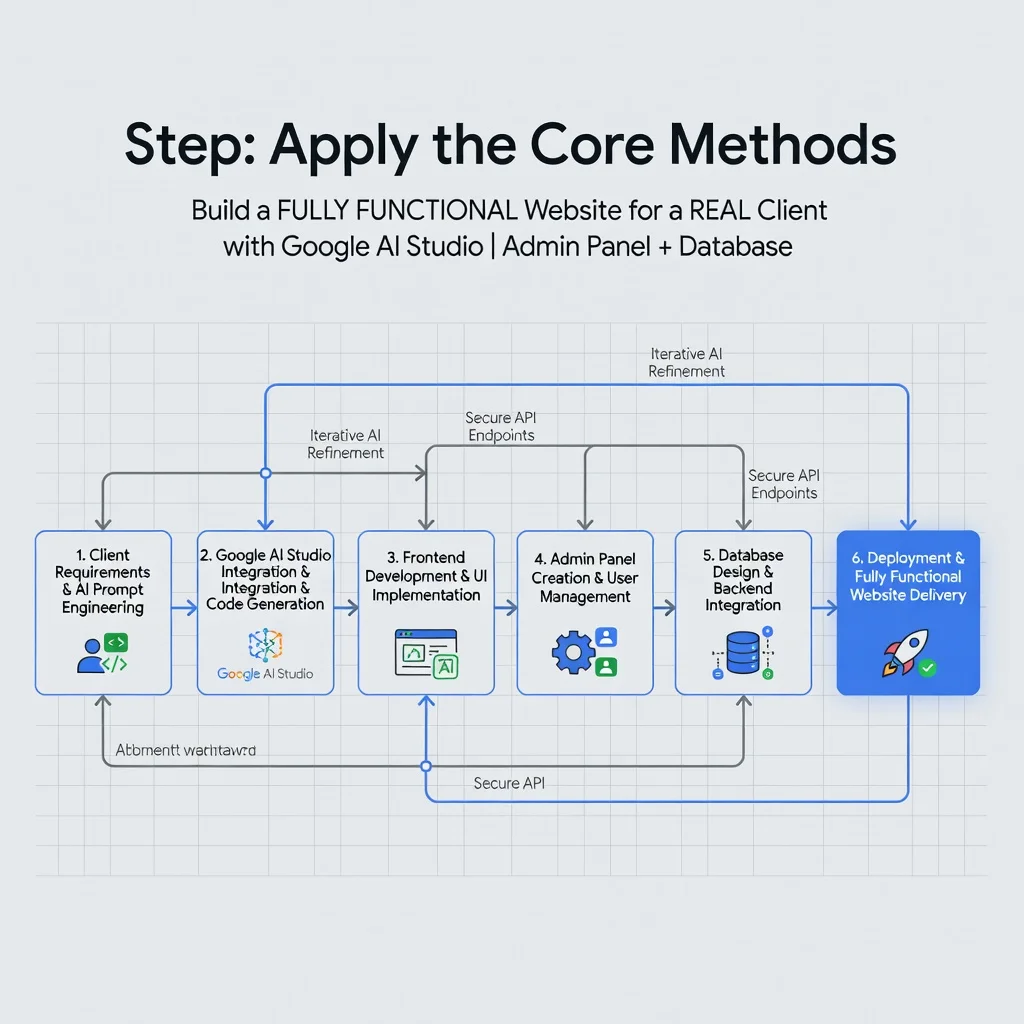
Step 5: Apply the core methods
Work in vertical slices. Build one complete feature, from database to admin panel to public page, before starting the next. Use AI Studio to generate each slice, then review, test, and commit. Keep prompts specific and keep secrets out of the codebase. When something breaks, isolate the layer, reproduce the error, and fix it before adding new features. This disciplined rhythm produces compounding progress instead of a pile of half-finished pieces.
Step 6: Monitor your progress
Track what is done, what is blocked, and what remains. A simple checklist beats a complicated tool. Test the live site on real devices and real network conditions. After launch, watch error logs, uptime alerts, and the client’s support messages. Monitoring does not end at deployment; it is how you catch the small issues before they become client crises.
Best Practices
These habits consistently separate professional deliveries from amateur ones.
- Never hard-code credentials. Use environment variables and rotate keys if they are ever exposed.
- Commit early and often. Version control is your safety net when generated code goes sideways.
- Document the admin panel. A short video walkthrough saves hours of client support later.
- Build for the client’s skill level. If they struggle with technology, simplify the dashboard and add labels.
- Plan for backups. Automated database backups are non-negotiable for a real business.
- Review generated code critically. AI output is a draft, not a finished product.
- Set expectations about AI limits. Complex custom logic may still require hand-written code.
- Test with real content. Long titles, large images, and empty states reveal layout problems fast.
Reliable information and consistent habits lead to better long-term outcomes. The builders who succeed are rarely the ones with the fanciest prompts; they are the ones who test, document, and maintain.
FAQ
What should I know about Build a FULLY FUNCTIONAL Website for a REAL Client with Google AI Studio | Admin Panel + Database?
The most important thing to understand is that AI Studio accelerates code generation but does not replace engineering judgment. You still own data modeling, security, testing, hosting, and client communication. A functional site for a real client needs authentication, a working admin panel, persistent storage, and a deployment pipeline. Treat generated code as a first draft that must be reviewed, hardened, and tested against real data before it goes live. Budget time for maintenance and support, not just the initial build. Reliable information and consistent habits lead to better long-term outcomes for both you and your client.
Who is this guide for?
This guide is for freelancers, small agency developers, technical founders, and motivated beginners who want to deliver a real website to a real client using Google AI Studio, a database, and an admin panel. It assumes basic familiarity with web concepts such as HTML, forms, and databases, but it does not assume years of professional experience. If you can follow instructions, test your work, and communicate clearly with a client, you can apply the workflow described here. It is also useful for business owners who want to understand what is involved before hiring a builder or attempting the project themselves.
Conclusion
Building a fully functional website for a real client with Google AI Studio is a realistic goal when you pair AI-assisted generation with solid fundamentals. Start small, understand the data model, secure the admin layer, and deploy with backups and monitoring in place. The tools lower the barrier, but discipline and consistency carry the project across the finish line. Follow the six steps, adopt the best practices, and treat the client’s business needs as the measure of success. Do that, and you will deliver something that works long after launch day.
You now have a solid foundation for Build a FULLY FUNCTIONAL Website for a REAL Client with Google AI Studio | Admin Panel + Database. Apply the best practices above and revisit this guide as your needs evolve.
