
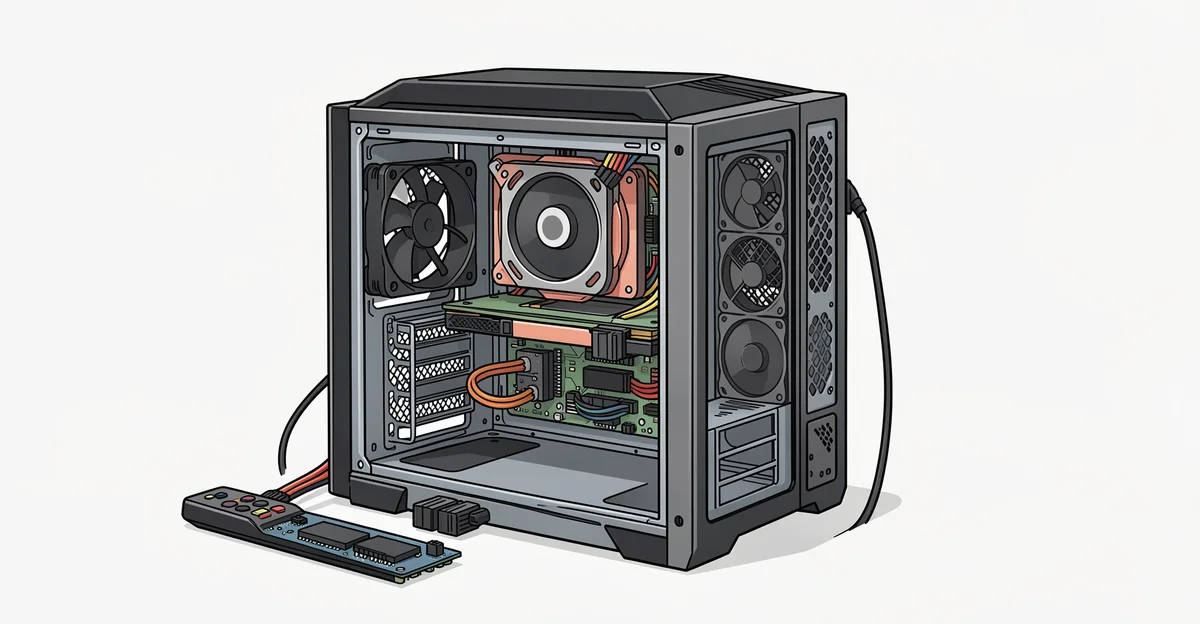
How to build pc with matching — Building a PC can be an exciting and rewarding experience, especially when you Learn more about the steps and the final checks.
Whether you’re a seasoned builder or a first-timer, understanding how to build a PC with matching parts will help you avoid common pitfalls and enhance your gaming or productivity experience. Let’s dive into the key considerations and tips that will set you on the path to creating your ideal machine.
Introduction
This article explores how to build a PC with matching parts, providing clear, practical guidance for enthusiasts and beginners alike. Understanding the fundamentals of building a PC with compatible components is essential for making informed decisions that lead to a successful build.
Key Concepts
Before diving into the specifics, it’s crucial to grasp some key concepts related to PC building:
- Compatibility: Ensuring that all components work together is paramount. This includes the CPU, motherboard, RAM, GPU, and power supply.
- Performance: Selecting parts that complement each other can significantly enhance your PC’s performance. For instance, pairing a high-end CPU with a low-end GPU can lead to bottlenecks.
- Future-proofing: Choosing parts that allow for upgrades in the future can save you money and time in the long run.
Deep Dive
Now, let’s take a closer look at the components you need to consider when building a PC:
1. Central Processing Unit (CPU)
The CPU is the brain of your computer. Choose a CPU that fits your needs, whether for gaming, content creation, or general use. Make sure it is compatible with your motherboard.
2. Motherboard
Your motherboard determines what components you can use. Check the socket type for the CPU and ensure it supports the RAM type and speed you plan to use.
3. Graphics Processing Unit (GPU)
The GPU is essential for gaming and graphic-intensive tasks. Ensure it matches your CPU to avoid performance issues. Also, check the power supply requirements for the GPU.
4. Random Access Memory (RAM)
RAM is crucial for multitasking. Aim for at least 16GB for gaming or content creation. Ensure the RAM speed is supported by your motherboard.
5. Power Supply Unit (PSU)
The PSU powers all your components. Choose a reliable brand and ensure it has enough wattage to support your build, including headroom for future upgrades.
6. Storage
Decide between SSDs for speed and HDDs for storage capacity. Many users opt for a combination of both for optimal performance.
Best Practices
To ensure a smooth building process, follow these best practices:
- Research: Take the time to read reviews and compatibility lists for each component.
- Plan Your Build: Sketch out your build and ensure all parts are compatible before purchasing.
- Stay Organized: Keep screws and components organized to avoid confusion during assembly.
- Follow Safety Protocols: Ground yourself to prevent static damage to components.
FAQ
What should I know about how to build a PC with matching parts?
When building a PC, it’s essential to understand the compatibility of each component. Research specifications and ensure that your CPU, motherboard, RAM, GPU, and PSU work well together. Reliable information and consistent habits lead to better long-term outcomes, so take your time to plan and execute your build carefully.
Who is this guide for?
This guide is for anyone interested in building a PC, whether you are a first-time builder or someone looking to upgrade their existing setup. It provides clear, actionable information that can help you make informed decisions about your components.
Frequently Asked Questions
What should I know about How to build pc with matching parts?
This guide covers the essentials of How to build pc with matching parts with practical steps you can apply right away.
Who is this guide for?
Anyone looking for a clear, structured overview without unnecessary complexity.
You now have a solid foundation for matching parts. Apply the best practices above and revisit this guide as your needs evolve.
