
Install Kubernet on Mini Pc Dell — Turning a compact Dell Mini PC into a Kubernetes node is one of the most Learn more about the steps and the final checks.
Introduction
Running Kubernetes on a Dell mini PC has become a surprisingly practical option for homelabs, small businesses, and developers who want a low-power, quiet, and affordable cluster without renting cloud space. A Dell OptiPlex Micro, for example, packs a real x86 processor, upgradeable RAM, and an SSD into a chassis barely larger than a paperback. That combination is more than enough to run a single-node Kubernetes distribution or a compact multi-node cluster.
This article explores install kubernet on mini pc dell with clear, practical guidance. You will learn what Kubernetes actually needs from your hardware, which Dell models work best, how to prepare the machine, and how to install and validate a working cluster. The goal is not to overwhelm you with enterprise terminology but to give you a repeatable path you can follow in an afternoon.
Understanding the fundamentals of install kubernet on mini pc dell helps you make informed decisions about distributions, networking, and storage. Reliable information and consistent habits lead to better long-term outcomes, whether you are running a personal lab or a small production workload. By the end, you should be able to choose a Dell mini PC with confidence and get Kubernetes running without guesswork.
Key Concepts
Before touching any hardware, it helps to understand the moving parts. Kubernetes is a container orchestration system. It schedules workloads, restarts failed containers, and manages networking between services. On a mini PC, you are typically running either a single-node cluster or a small multi-node cluster where each Dell machine acts as a control plane and worker combined.
Control plane and worker nodes
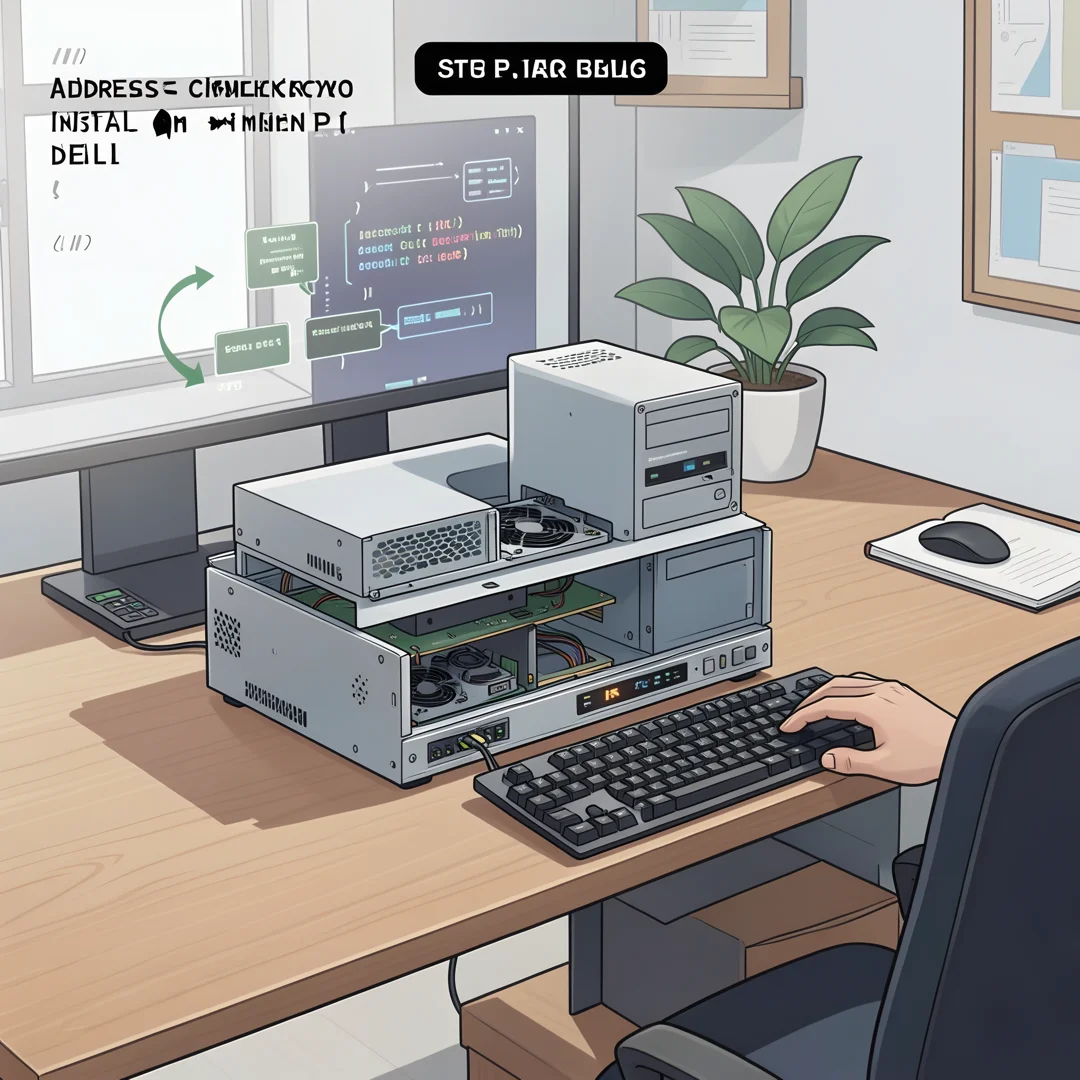
The control plane runs the API server, scheduler, and controller manager. Worker nodes run your actual applications. In a homelab, a single Dell mini PC often runs both roles. In a multi-node setup, you might dedicate one mini PC as the control plane and two or three others as workers. Lightweight distributions like K3s merge these roles into one binary, which is why they are popular on small hardware.
Container runtime
Kubernetes no longer talks directly to Docker. It uses a container runtime interface, most commonly containerd. K3s and MicroK8s bundle containerd automatically, so you rarely need to install it manually. If you build a cluster with kubeadm, you will install containerd yourself as a prerequisite.
Networking and storage
Pod networking requires a CNI plugin such as Flannel, Calico, or Cilium. Storage is handled by persistent volumes, which on a mini PC usually map to local paths or a network share. A Dell mini PC with a single NVMe drive can use local-path storage for simplicity, or you can attach external USB storage for more capacity.
Why Dell mini PCs fit well
- Low power draw: typically 15 to 65 watts, far less than a rack server.
- Quiet operation: ideal for a home office or living room shelf.
- Compact footprint: stack three or four units in the space of one tower.
- Business-grade reliability: OptiPlex and Precision lines are built for long duty cycles.
- Upgradeable: most models accept additional RAM and a second storage drive.
Deep Dive
The phrase install kubernet on mini pc dell covers a wide range of approaches. To make a smart choice, compare the main installation methods against your hardware and goals.
Single-node versus multi-node
A single-node cluster is the fastest path. You install a lightweight distribution, wait a few minutes, and you have a working Kubernetes API. It is perfect for learning, running CI runners, hosting a few internal services, or testing Helm charts. A multi-node cluster adds redundancy and lets you practice scheduling, taints, and node management. The trade-off is more setup time, a network switch or direct cabling, and more power consumption.
Choosing a distribution
K3s is the most common choice for Dell mini PCs because it is a single binary under 100 MB, uses SQLite by default, and installs in one command. MicroK8s is another strong option, especially if you prefer snap packages and built-in add-ons. kubeadm gives you a standard upstream cluster but requires more manual configuration. For most readers, K3s or MicroK8s is the pragmatic answer.
Hardware considerations for Dell models
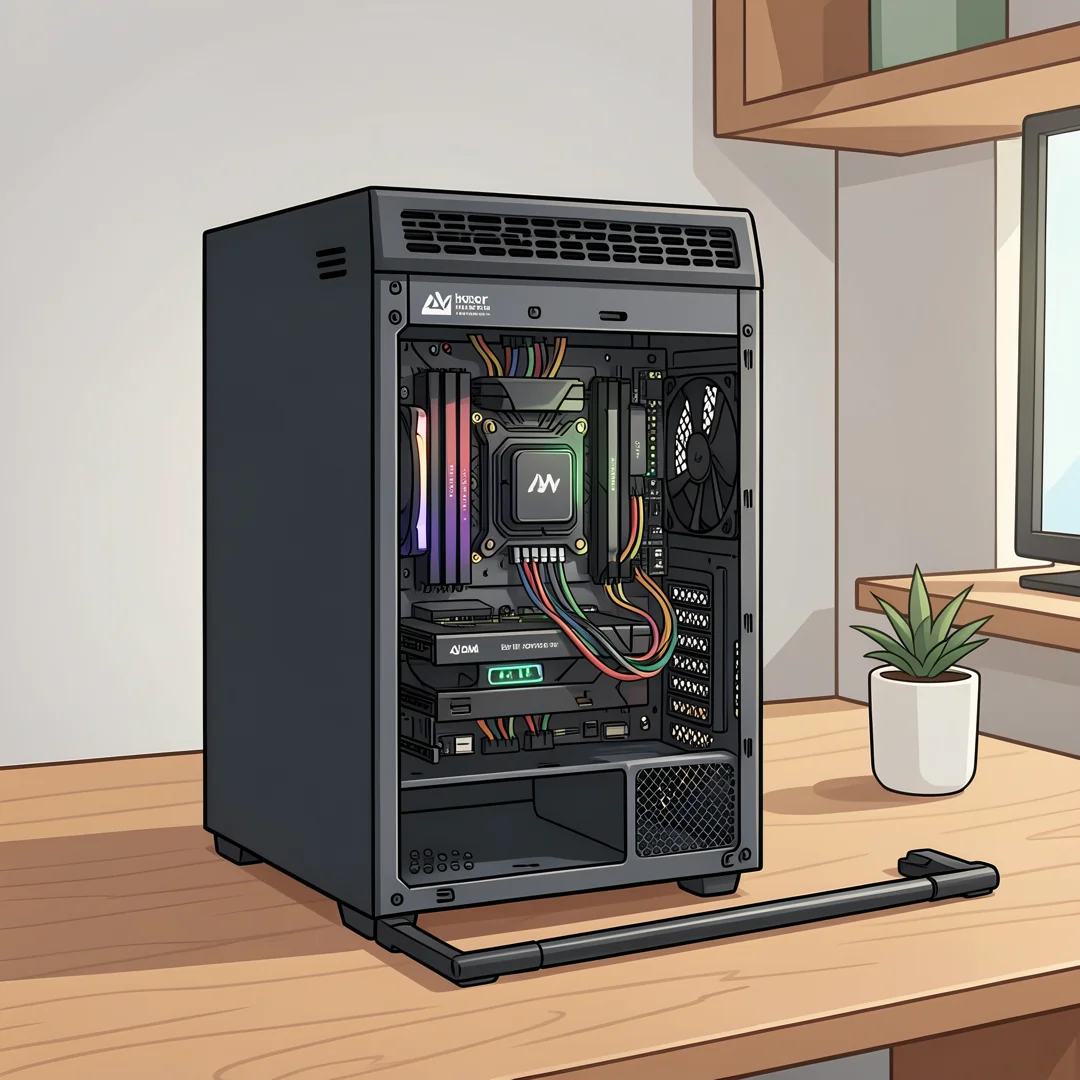
Not every Dell mini PC is equal. The OptiPlex 3070 Micro, 5070 Micro, and 7070 Micro are common refurbished choices with 8th or 9th generation Intel CPUs. Newer OptiPlex 7010 and 9010 Micro models add 12th and 13th generation processors. The Precision 3260 Compact is a workstation-class option with stronger cooling and ECC memory support on some configurations. Aim for at least 16 GB of RAM and a 256 GB SSD for a comfortable single-node experience. For multi-node, 8 GB per worker is a reasonable floor.
Operating system choice
Ubuntu Server LTS is the safest bet because most Kubernetes documentation assumes it. Debian works equally well and is lighter. If you want a minimal footprint, consider a headless install with no desktop environment. Turning off swap is mandatory for Kubernetes unless you explicitly configure it otherwise.
Networking basics
Each node needs a stable IP address. Use DHCP reservations on your router or configure static IPs. For multi-node clusters, all nodes must reach each other on the required ports, typically 6443 for the API server and 8472 or 51820 for the CNI. A cheap gigabit switch is sufficient.
Best Practices
Following a few habits will save you hours of troubleshooting and make your cluster more reliable over time.
- Disable swap permanently by editing /etc/fstab, not just with a temporary command.
- Set a unique hostname on each Dell mini PC before joining it to the cluster.
- Keep the BIOS and firmware updated, especially for networking and storage stability.
- Use SSD or NVMe storage; spinning disks and slow USB drives cause etcd timeouts.
- Document your node IPs, cluster token, and installed add-ons in a notes file.
- Back up etcd or the K3s SQLite database regularly if the cluster holds real data.
- Apply resource requests and limits so one runaway workload does not starve the node.
- Use labels and taints early if you plan to mix control plane and worker roles.
- Monitor power and temperature; mini PCs throttle under sustained heavy load.
Reliable information and consistent habits lead to better long-term outcomes. Spending ten minutes on naming conventions and backups today prevents a painful recovery later.
Step-by-Step Guide
The following steps walk you from zero to a working Kubernetes installation on a Dell mini PC. The commands assume Ubuntu Server and K3s, but the logic applies to other combinations.
Step 1: Understand the fundamentals
Confirm that you understand what Kubernetes does and does not do. It orchestrates containers; it does not build images or manage your application code. You should be comfortable with the Linux command line, SSH, and basic networking. If you are new to containers, spend an hour learning Docker or Podman first. This foundation prevents confusion when pods fail to start.
Step 2: Assess your starting point
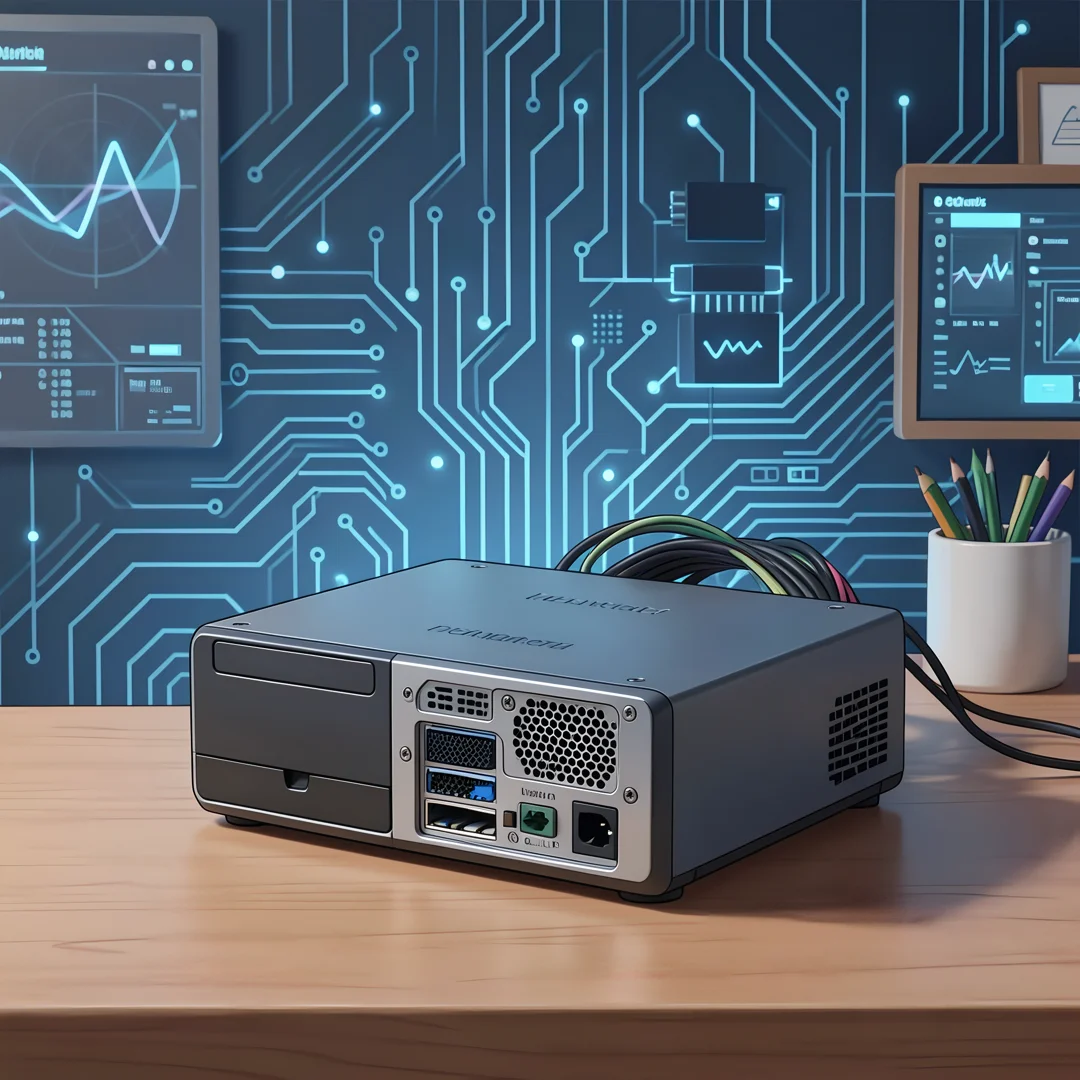
Inspect your Dell mini PC. Check the CPU model with lscpu, RAM with free -h, and storage with lsblk. Verify that virtualization is enabled in the BIOS if you plan to run virtual machines inside the cluster. Confirm the machine has a stable network connection and a known IP address. Note the exact model number, such as OptiPlex 5070 Micro, because driver and firmware details vary.
Step 3: Set clear goals
Decide what success looks like. A learning lab might need only a single node with a sample deployment. A home media stack might need persistent storage and an ingress controller. A small business workload might need backups and monitoring. Write these goals down. They determine whether you choose K3s, MicroK8s, or kubeadm, and which add-ons you install.
Step 4: Gather necessary resources
Collect everything before you begin:
- A Dell mini PC with at least 16 GB RAM and a 256 GB SSD.
- A USB drive with Ubuntu Server 22.04 or 24.04 LTS.
- A monitor and keyboard for the initial install, or iDRAC-style remote access if available.
- Ethernet cable and a stable network connection.
- SSH client on your main computer.
- A text file for notes, including IP addresses and tokens.
Step 5: Apply the core methods
Install the operating system, then configure the host. Update packages, set the hostname, configure a static IP or DHCP reservation, and disable swap. Reboot. Now install Kubernetes:
- For K3s, run the official install script as root. It sets up containerd, the API server, and a default CNI automatically.
- For MicroK8s, install the snap, add your user to the microk8s group, and enable the dns and storage add-ons.
- For kubeadm, install containerd, configure the systemd cgroup driver, initialize the control plane, and apply a CNI manifest.
After installation, verify the node is Ready with kubectl get nodes. Deploy a test workload such as nginx and expose it with a service. If the pod runs and you can reach the service, your core installation is complete. For multi-node clusters, join additional Dell mini PCs using the token and API server address from the first node.
Step 6: Monitor your progress
Track cluster health over the first few days. Watch CPU and memory usage with top or a monitoring stack like Prometheus and Grafana. Check pod restarts with kubectl get pods -A. Review logs for warnings about disk pressure or memory pressure. Set up a simple dashboard or alert if you plan to run production workloads. Monitoring turns a one-time install into a reliable, long-running system.
FAQ
What should I know about install kubernet on mini pc dell?
The most important things are hardware limits, distribution choice, and networking. A Dell mini PC has finite CPU, RAM, and storage, so lightweight distributions like K3s are usually the best fit. You must disable swap, use SSD storage, and ensure stable IP addressing. Understanding these fundamentals helps you make informed decisions and avoid common failures such as etcd timeouts or pods stuck in Pending state.
Who is this guide for?
This guide is for homelab enthusiasts, developers, and small business operators who want to run Kubernetes on affordable Dell mini PCs. It assumes basic Linux comfort but does not require prior Kubernetes experience. If.
You now have a solid foundation for install kubernet on mini pc dell. Apply the best practices above and revisit this guide as your needs evolve.
