
8 min read • 1,694 words
What Is Docker and Why Do Developers Use It?
What Is Docker and Why Do — What Is Docker? Docker is a powerful platform that allows developers to develop Learn more about the steps and the final checks.
How Docker Works
Docker operates on the principle of containers, which are lightweight, portable units that encapsulate an application along with its dependencies. Unlike traditional software deployment methods, containers package everything needed to run the application, including libraries, binaries, and configuration files. This encapsulation ensures that the application runs consistently across various environments, eliminating the “it works on my machine” problem.
One of the key advantages of containers over virtual machines (VMs) is their resource efficiency. While VMs require a full operating system to run each instance, containers share the host OS kernel, which significantly reduces overhead. This leads to faster startup times and better performance. For example, a single server can run dozens of containers simultaneously, whereas it might only support a handful of VMs due to the heavier resource requirements.
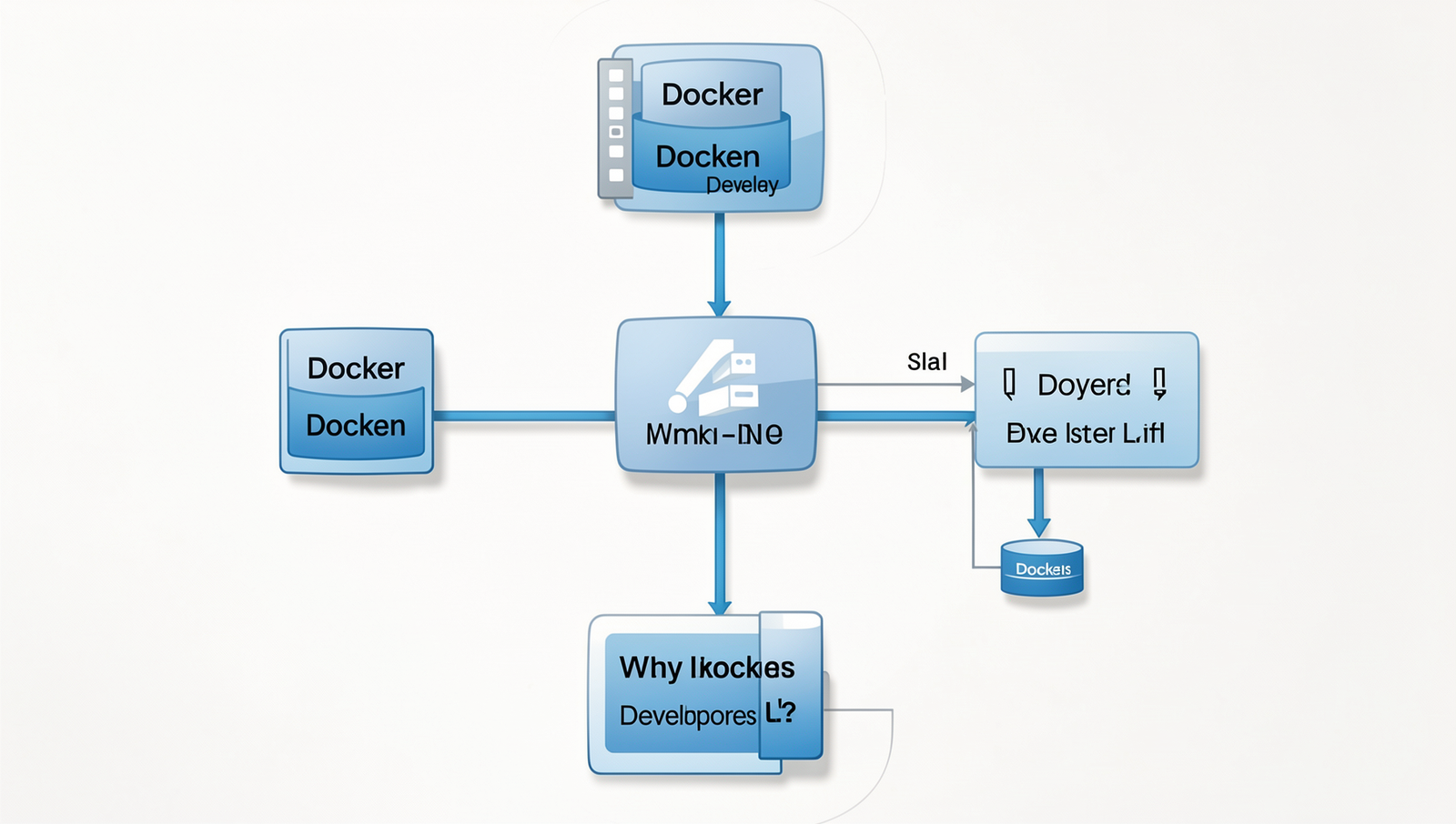
The Docker workflow is straightforward and consists of several key steps:
- Build: Developers create a Dockerfile that contains instructions for building a Docker image.
- Image: The Docker image is a snapshot of the application and its dependencies, which can be stored in a registry.
- Run: Once the image is ready, it can be run as a container using the command
docker run image_name.
- Manage: Docker provides commands to manage containers, such as
docker psto list running containers and
docker stop container_idto stop a container.
This workflow simplifies the development and deployment process, making Docker a preferred choice for developers looking to streamline their applications.
Benefits of Using Docker
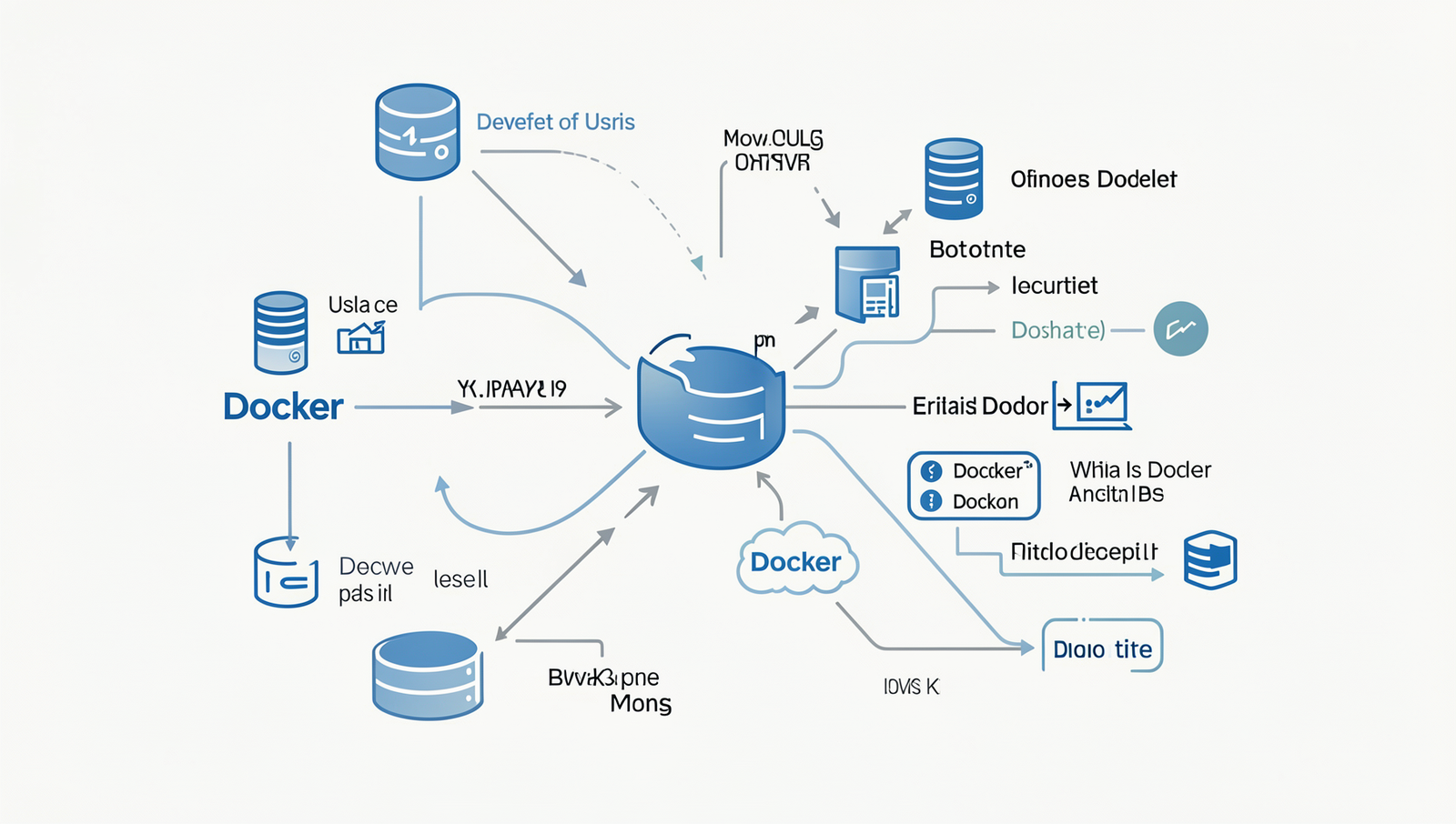
Docker offers numerous advantages that make it a popular choice among developers. One of the primary benefits is its portability. With Docker, developers can create containers that encapsulate all the necessary components of an application, including libraries and dependencies. This means that containers can run on any system that supports Docker, eliminating compatibility issues that often arise when moving applications between different environments. For example, a developer can build an application on their local machine and seamlessly deploy it to a cloud server without worrying about discrepancies in the operating system or installed software.
Another significant benefit of Docker is its scalability. Developers can easily scale applications up or down by adding or removing containers as needed. This flexibility allows organizations to respond quickly to changing demands. For instance, during peak traffic times, a company can deploy additional containers to handle the increased load, and then scale back down when traffic decreases. This dynamic scaling capability is crucial for maintaining performance and optimizing resource usage.
Furthermore, Docker provides isolation for applications. Each container runs in its own environment, which means that applications can operate independently without interfering with one another. This isolation helps in managing dependencies and reduces the risk of conflicts. For example, if two applications require different versions of a library, they can coexist on the same host without issues.
- Portability across various environments
- Efficient resource utilization
- Rapid deployment and rollback capabilities
- Enhanced security through isolation
In summary, the benefits of using Docker, including portability, scalability, and isolation, make it an essential tool for modern software development.
Common Use Cases for Docker
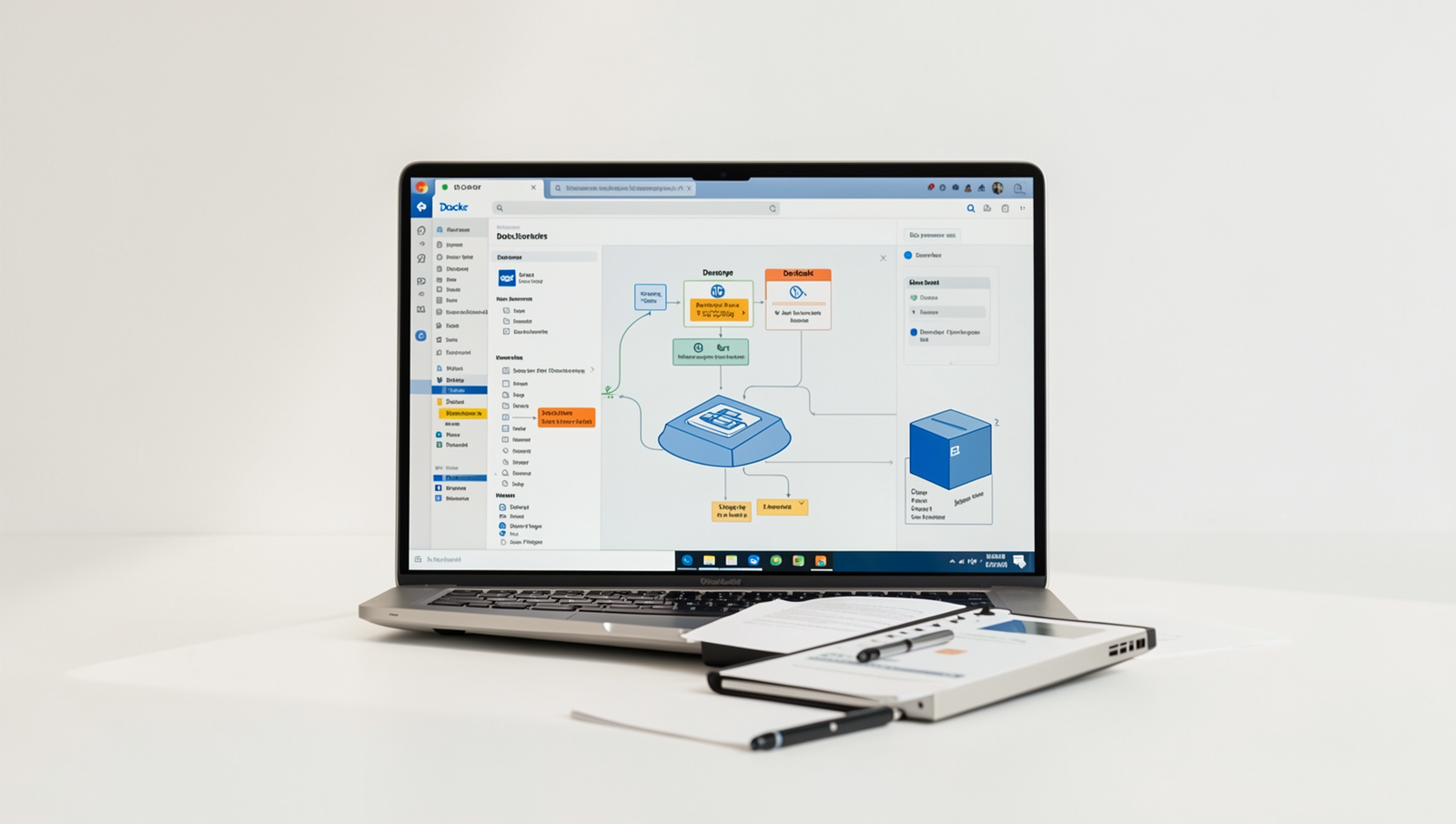
Docker has become an essential tool for developers, particularly in the context of microservices architecture. In a microservices setup, applications are broken down into smaller, independent services that can be developed, deployed, and scaled individually. Docker simplifies this process by allowing each microservice to run in its own container, ensuring that it has all the necessary dependencies and configurations. This isolation helps to avoid conflicts between services and makes it easier to manage and update them independently.
Another significant use case for Docker is in Continuous Integration and Continuous Deployment (CI/CD) pipelines. By using Docker, developers can create consistent environments that mirror production settings. This consistency is crucial for testing and deploying applications, as it reduces the “it works on my machine” problem. For instance, a CI/CD pipeline might involve the following steps:
- Developers push code changes to a version control system.
- A CI server pulls the latest code and builds a Docker image.
- The CI server runs automated tests within a Docker container.
- If tests pass, the image is deployed to a staging or production environment.
Additionally, Docker is widely used to create development environments. Developers can quickly spin up containers that replicate the production environment, allowing them to test their code in a realistic setting. This capability not only speeds up the development process but also enhances collaboration among team members, as everyone can work in the same environment without worrying about local setup discrepancies.
Challenges and Considerations
While Docker offers numerous advantages for developers, there are several challenges and considerations that need to be addressed when adopting this technology. One of the primary hurdles is the learning curve associated with Docker for new users. Understanding concepts such as containers, images, and orchestration can be daunting. Developers must familiarize themselves with Docker commands and the overall architecture to effectively utilize the platform. For instance, a new user might start with basic commands like
docker runand
docker buildbut will eventually need to grasp more complex topics like networking and volume management.
Security is another critical concern when using Docker. Containers share the host OS kernel, which can lead to potential vulnerabilities if not managed properly. Best practices for securing Docker containers include:
- Regularly updating Docker images to patch vulnerabilities.
- Using minimal base images to reduce the attack surface.
- Implementing user namespaces to limit container privileges.
- Scanning images for vulnerabilities using tools like
docker scan.
Performance implications also play a significant role in deciding when to use Docker. While Docker can enhance development speed and consistency, it may not be suitable for all applications. For example, applications requiring high-performance computing or those with heavy I/O operations might experience latency issues within containers. Developers should evaluate their specific use cases to determine if Docker is the right fit, balancing the benefits of containerization against potential performance drawbacks.
Getting Started with Docker
To begin using Docker, the first step is to install it on your operating system. Docker supports various platforms, including Windows, macOS, and Linux. Here’s a step-by-step guide for each:
- Windows: Download the Docker Desktop installer from the official Docker website. Run the installer and follow the prompts. Ensure that you have WSL 2 enabled for optimal performance.
- macOS: Similarly, download the Docker Desktop for Mac. Open the downloaded file and drag the Docker icon to your Applications folder. Launch Docker from your Applications.
- Linux: For Ubuntu, you can install Docker with the following commands:
sudo apt update
sudo apt install apt-transport-https ca-certificates curl software-properties-common
curl -fsSL https://download.docker.com/linux/ubuntu/gpg | sudo apt-key add -
sudo add-apt-repository "deb [arch=amd64] https://download.docker.com/linux/ubuntu $(lsb_release -cs) stable"
sudo apt update
sudo apt install docker-ce
Once Docker is installed, you can manage containers and images using basic commands. Here are a few essential commands:
docker run hello-world– This command runs a test container to verify that Docker is working correctly.docker ps– Lists all running containers.docker images– Displays all downloaded images.
Next, you can create your first Dockerfile to build a simple application. Here’s an example of a basic Dockerfile:
FROM python:3.8-slim
COPY . /app
WORKDIR /app
RUN pip install -r requirements.txt
CMD ["python", "app.py"]
Finally, for further learning, explore the official Docker documentation, online tutorials, and community forums to enhance your understanding of Docker and its capabilities.
Conclusion
In summary, Docker is a powerful platform that enables developers to automate the deployment, scaling, and management of applications within lightweight, portable containers. By encapsulating applications and their dependencies, Docker ensures consistency across various environments, significantly reducing the “it works on my machine” problem. The benefits of using Docker include improved resource utilization, faster development cycles, and simplified collaboration among teams, making it an invaluable tool in modern software development.
As organizations increasingly adopt microservices architecture and cloud-native applications, understanding “What Is Docker” becomes essential for developers. To leverage Docker effectively, developers should explore its extensive documentation, experiment with containerization in their projects, and consider integrating Docker into their CI/CD pipelines. By doing so, they can enhance their development workflow and deliver high-quality applications more efficiently.
Frequently Asked Questions
What is Docker?
Docker is an open-source platform that enables developers to automate the deployment of applications within lightweight, portable containers. These containers encapsulate an application and its dependencies, ensuring consistency across different environments, from development to production.
Why do developers use Docker?
Developers use Docker to streamline the development process by creating isolated environments for applications. This eliminates the “it works on my machine” problem, allowing for easier testing, deployment, and scaling of applications across various platforms and infrastructures.
What are containers in Docker?
Containers in Docker are standardized units of software that package an application and its dependencies together. Unlike virtual machines, containers share the host system’s kernel, making them lightweight and fast, while still providing isolation and security for applications.
How does Docker improve collaboration?
Docker enhances collaboration by providing a consistent environment for developers, testers, and operations teams. By using containers, teams can easily share applications and their configurations, reducing discrepancies and improving communication throughout the software development lifecycle.
