
6 min read • 1,215 words
what is raspberry pi tel me — In the world of technology, the question what is Raspberry Pi often arises Learn more about the steps and the final checks.
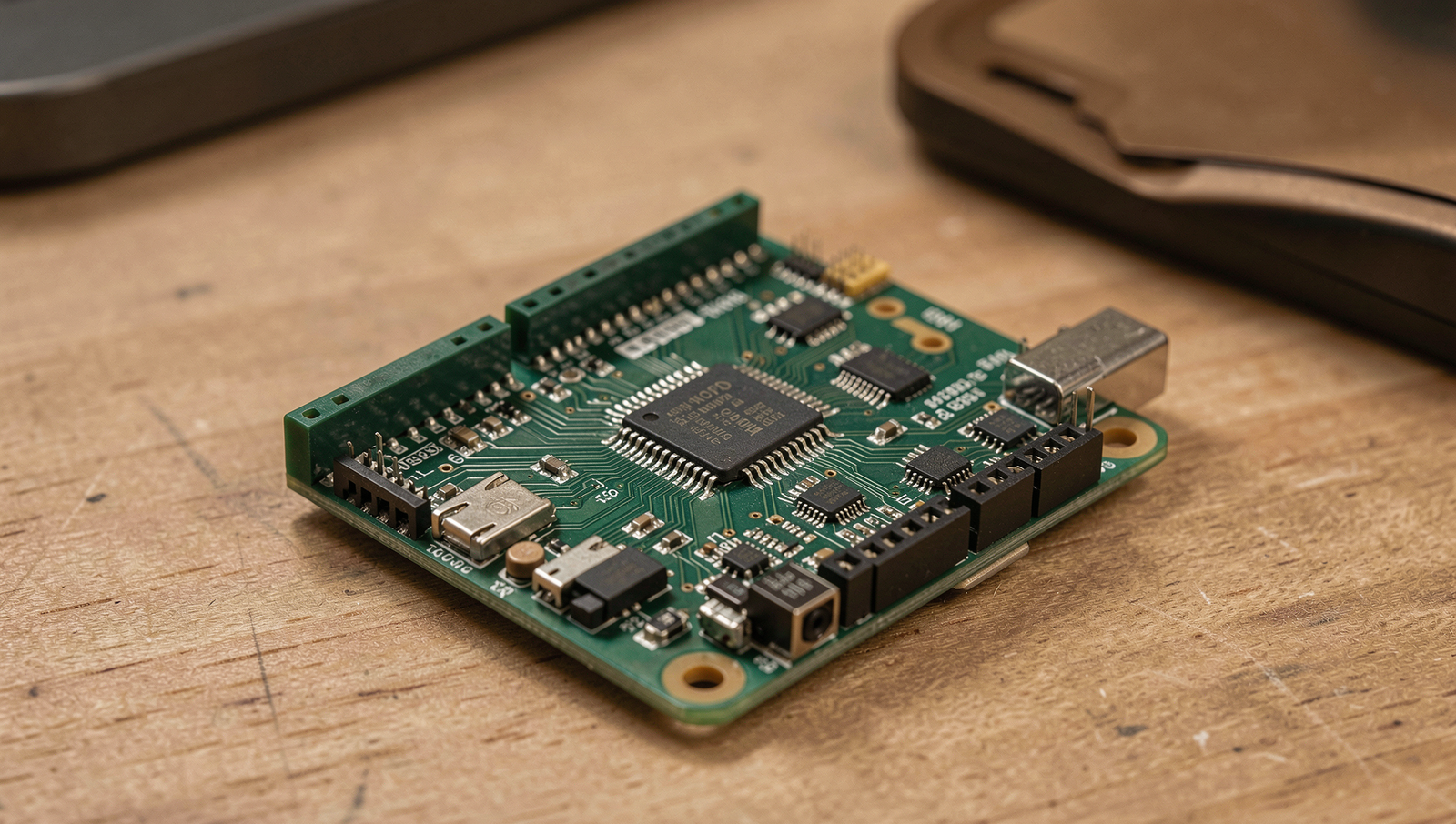
Raspberry Pi is not just a simple computer; it is a gateway to creativity and innovation. It supports multiple operating systems, including Linux and Windows IoT, and features General Purpose Input/Output (GPIO) pins that enable users to connect and control a wide range of hardware components. This flexibility has made it a popular choice for building media centers, educational tools, and experimental setups, allowing users to explore the vast possibilities of technology.
What is Raspberry Pi?
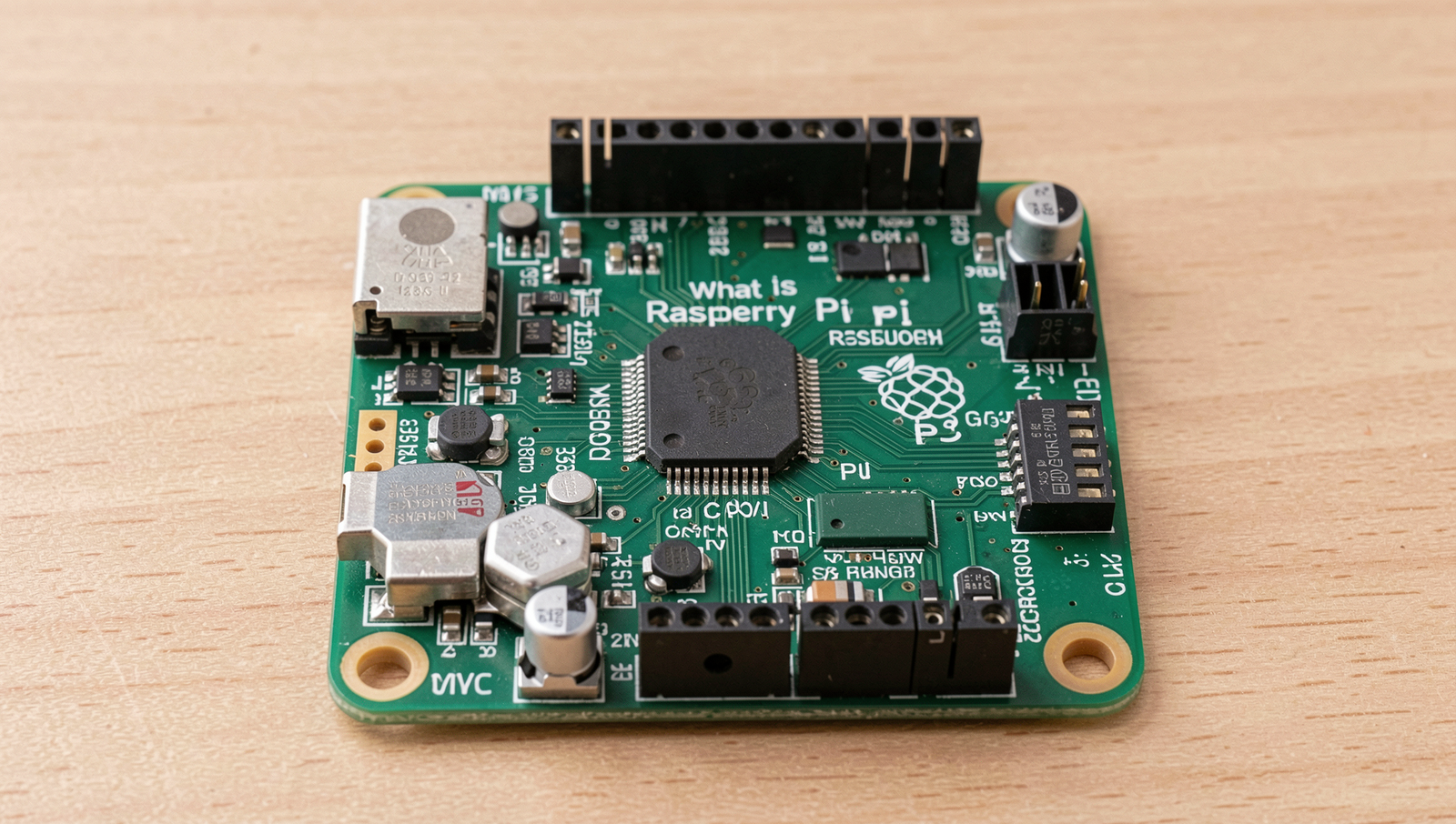
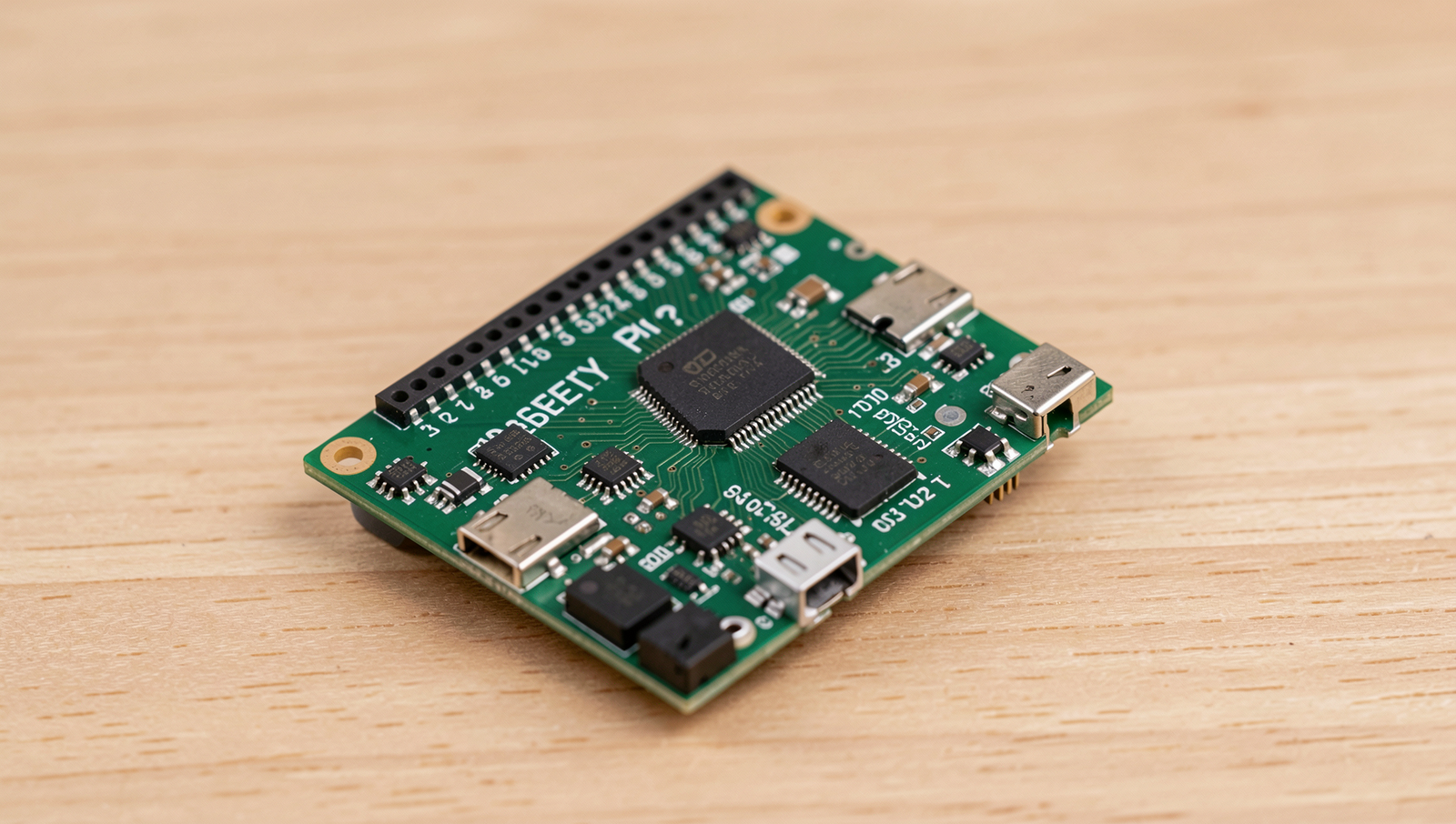
The Raspberry Pi is a small, affordable computer designed to promote the teaching of basic computer science in schools and developing countries. It was created by the Raspberry Pi Foundation, a UK-based charity, with the goal of making computing accessible to everyone. The device is versatile and can be used for a variety of projects, from simple programming tasks to complex robotics.
At its core, the Raspberry Pi consists of several key hardware components:
- Processor: ARM-based CPU that handles computations.
- Memory: RAM that varies by model, typically ranging from 512MB to 8GB.
- Storage: Uses microSD cards for operating system and file storage.
- Ports: USB, HDMI, Ethernet, and GPIO pins for peripheral connections.
There are several models of Raspberry Pi, each with different specifications:
- Raspberry Pi 1: Basic model with 256MB RAM.
- Raspberry Pi 2: Improved performance with 1GB RAM.
- Raspberry Pi 3: Includes built-in Wi-Fi and Bluetooth, with 1GB RAM.
- Raspberry Pi 4: Offers up to 8GB RAM and dual monitor support.
Common uses of Raspberry Pi span various fields, including:
- Education: Teaching programming and electronics.
- Home Automation: Controlling smart devices.
- Media Centers: Running applications like Kodi for streaming.
- Robotics: Serving as the brain for robotic projects.
In summary, the Raspberry Pi is a powerful tool for learning and innovation, making it a popular choice among hobbyists, educators, and professionals alike.
Getting Started with Raspberry Pi
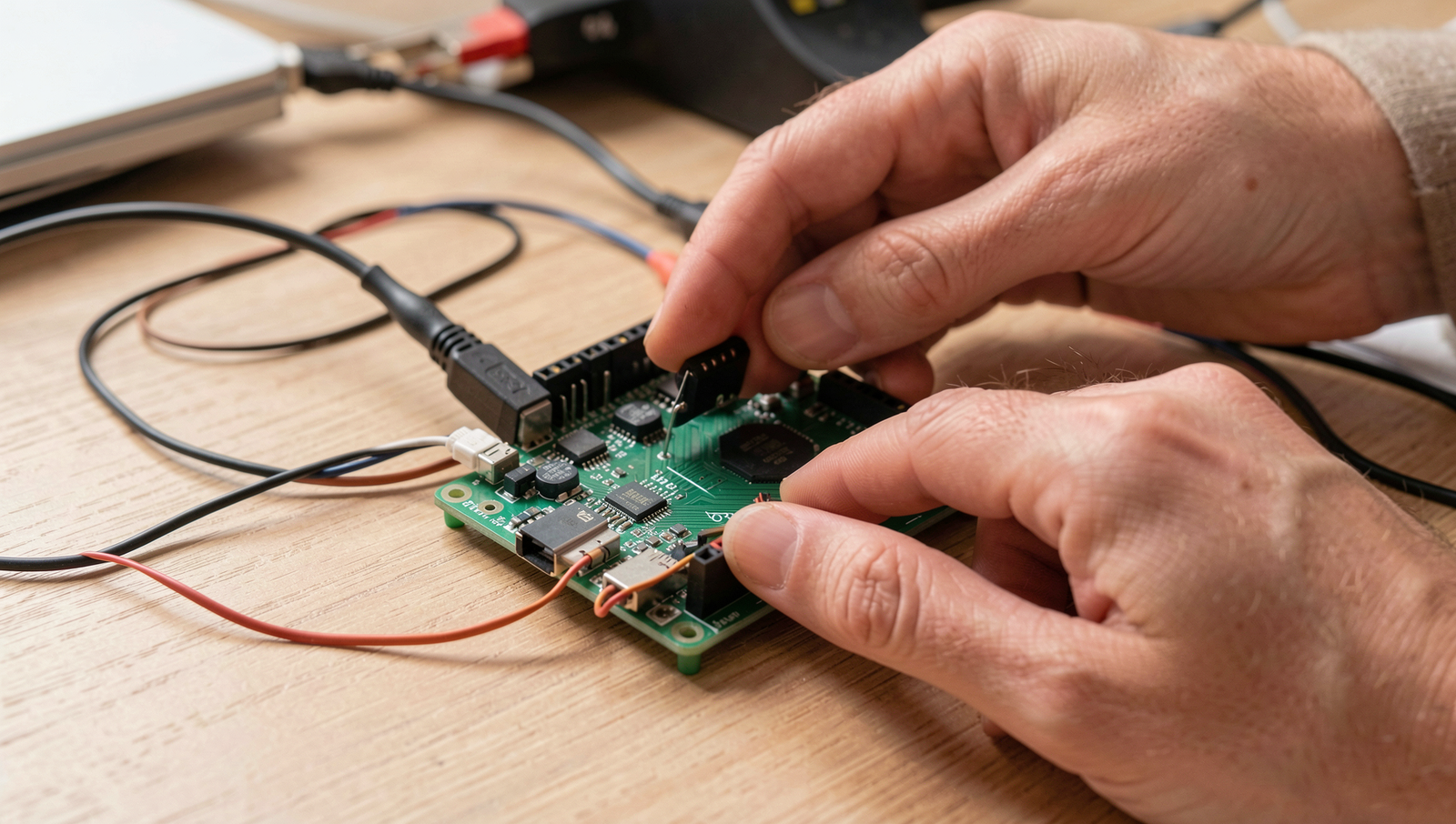
The Raspberry Pi is a versatile single-board computer that can be used for various projects, from learning programming to building complex systems. To get started with your Raspberry Pi, you’ll need a few essential accessories.
- Raspberry Pi board (any model)
- Micro SD card (at least 8GB)
- Power supply (5V, 2.5A recommended)
- HDMI cable (for video output)
- Keyboard and mouse (for initial setup)
Once you have your accessories ready, follow these steps to install the operating system:
1. Download the Raspberry Pi Imager from the official website.2. Insert the micro SD card into your computer.3. Open the Raspberry Pi Imager and select the OS you want to install.4. Choose the SD card and click "Write" to install the OS.After installing the OS, connect your peripherals. Plug the HDMI cable into your monitor, connect the keyboard and mouse, and insert the micro SD card into the Raspberry Pi. Finally, connect the power supply to boot up the device.
For basic configuration, follow these initial setup instructions:
1. On first boot, the Raspberry Pi will guide you through the setup process.2. Set your language, time zone, and Wi-Fi connection.3. Update the system by running: sudo apt update && sudo apt upgradeWith these steps completed, you are now ready to explore what is Raspberry Pi and start your projects!
Projects and Learning with Raspberry Pi
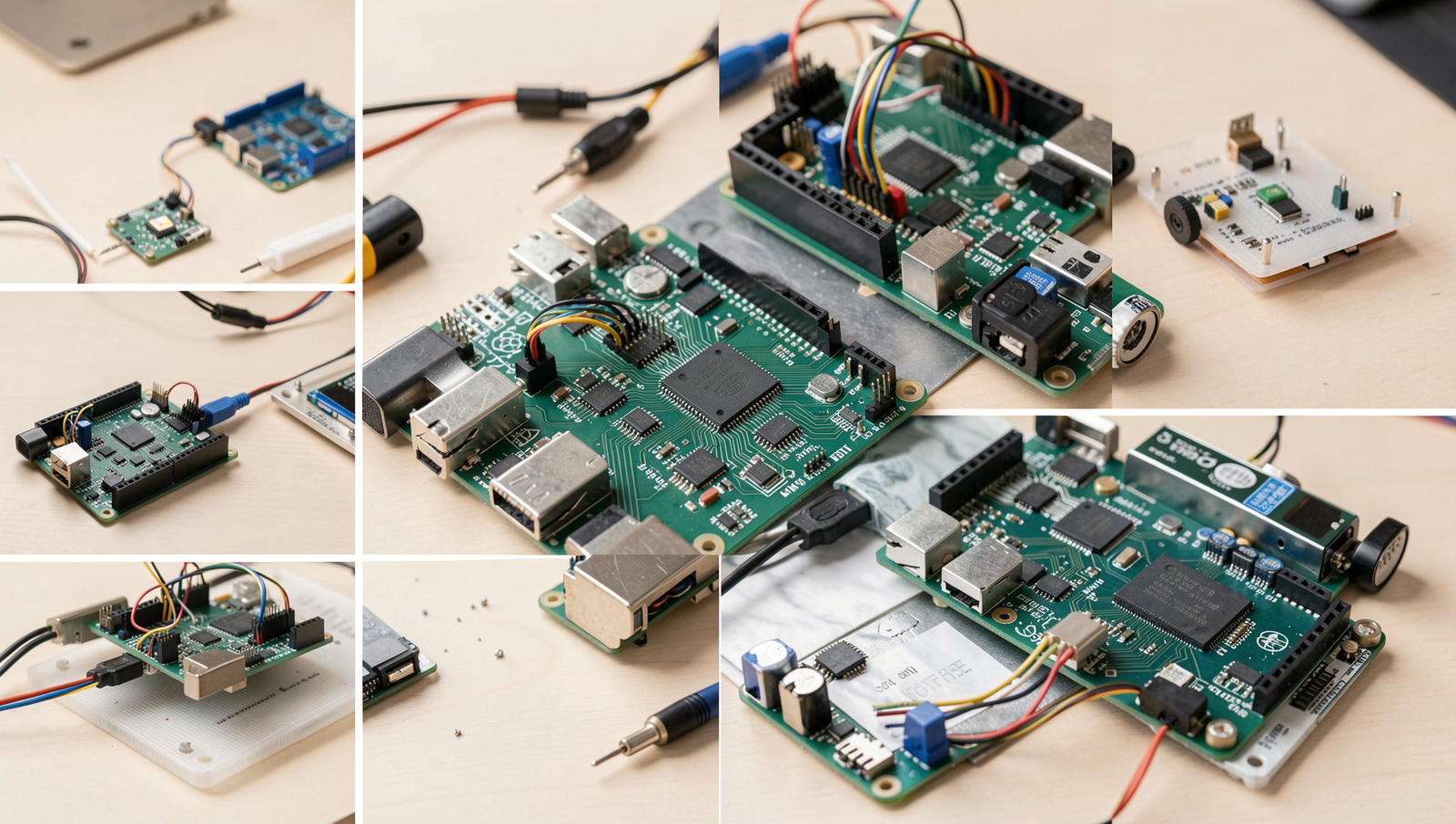
The Raspberry Pi is an excellent platform for both beginners and advanced users to explore the world of computing and electronics. For those just starting, there are numerous simple projects that can help you get familiar with the hardware and software. One popular beginner project is the LED blinking project, where you can control an LED light using the GPIO pins. This project teaches basic programming and circuit design.
In addition to hands-on projects, there are a wealth of educational resources and tutorials available online. Websites like the official Raspberry Pi Foundation offer step-by-step guides, while platforms like YouTube have countless video tutorials that cater to various skill levels.
- Beginner Projects:
- LED Blinking
- Temperature Sensor
- Simple Web Server
- Advanced Projects:
- Home Automation System
- Retro Gaming Console
- AI Assistant
The Raspberry Pi community is another invaluable resource for learners. Forums and online communities provide a platform for troubleshooting, sharing ideas, and collaborating on projects. Whether you encounter a coding error or need advice on hardware, the community is there to help.
For those looking to develop their skills further, advanced projects can be incredibly rewarding. Engaging in more complex tasks, such as building a home automation system or creating a retro gaming console, can significantly enhance your understanding of programming and electronics.
To get started with your first project, you might use the following command to install necessary libraries:
sudo apt-get install python3-rpi.gpioConclusion
In summary, the Raspberry Pi is a versatile and compact single-board computer that has revolutionized the way we approach computing, education, and DIY projects. Its affordability and accessibility have made it a popular choice among hobbyists, educators, and professionals alike. Understanding what is Raspberry Pi opens up a world of possibilities for innovation, creativity, and learning in technology.
As we continue to explore the potential of the Raspberry Pi, it becomes clear that this small device is not just a tool for programming and electronics, but a gateway to understanding the fundamentals of computing. Whether you are a beginner looking to learn coding or an experienced developer seeking to prototype new ideas, the Raspberry Pi offers endless opportunities to experiment and grow in the field of technology.
Frequently Asked Questions
What is a Raspberry Pi?
A Raspberry Pi is a small, affordable, single-board computer developed by the Raspberry Pi Foundation. It was designed to promote the teaching of basic computer science in schools and developing countries. The Raspberry Pi can be used for various projects, from learning programming to building hardware prototypes.
What can you do with a Raspberry Pi?
With a Raspberry Pi, you can create a wide range of projects, including but not limited to: building a media center, creating a retro gaming console, setting up a web server, developing IoT applications, learning programming languages like Python, and even building robotics projects. The possibilities are virtually endless, limited only by your creativity and technical skills.
What operating systems can run on Raspberry Pi?
Raspberry Pi supports several operating systems, including Raspberry Pi OS (formerly Raspbian), Ubuntu, LibreELEC, OSMC, and many others. You can also run specialized distributions for specific applications, such as RetroPie for gaming or Pi-hole for network-wide ad blocking. The flexibility in operating systems allows users to tailor their Raspberry Pi experience to their needs.
Is Raspberry Pi suitable for beginners?
Yes, Raspberry Pi is highly suitable for beginners. Its low cost, extensive community support, and numerous tutorials available online make it an excellent choice for those new to programming and electronics. Many educational resources are specifically designed to help beginners get started with Raspberry Pi projects.
