
Choosing the right server operating system can make or break your infrastructure budget. Whether you’re running a home lab, a small business, or a fleet of virtual machines, a lean OS frees up CPU, RAM, and disk for the applications that actually matter.
In this article, we break down the top 5 server OS with very low resource usage, ideal for beginners and IT administrators alike. From lightweight Linux distributions to container-optimized platforms, you’ll discover which options deliver reliable performance without demanding powerful hardware.
Introduction
Choosing a server operating system with very low resource usage is one of the most effective ways to reduce hosting costs, extend hardware lifespan, and improve performance on older machines or virtual private servers. Whether you are running a home lab, a small business web server, or a fleet of cloud instances, the operating system you pick determines how much CPU, RAM, and disk space remain available for actual workloads.
This guide covers which server OS have very low resources usage — we will tell you the top 5 and explain how to select, install, and tune each one. You will also find practical steps, compatibility notes such as ARM64 versus x86 verification, and answers to common beginner questions. Always verify software compatibility with your hardware architecture (ARM64 vs x86), and keep your operating system updated before installation to prevent dependency conflicts.
By the end, you will understand not just the names of lightweight server operating systems, but also how to measure their real-world consumption, which one fits your use case, and how to avoid the most common deployment mistakes.
Key Concepts
Before comparing distributions, you need a shared vocabulary. Resource usage on a server is typically measured across four dimensions:
- Idle RAM usage: Memory consumed by the OS with no applications running. A lightweight server OS may idle under 100 MB, while a full desktop-class system may idle above 1 GB.
- CPU overhead: Background services and daemons that consume processor cycles even when idle.
- Disk footprint: The base installation size, which matters for small SSDs, containers, and embedded devices.
- Service count: The number of default running services. Fewer services mean fewer attack surfaces and less memory pressure.
Another critical concept is architecture. Many low-resource servers run on ARM64 (for example, Raspberry Pi, AWS Graviton, or Apple Silicon VMs) while others run on x86-64. Package availability differs between these platforms. Always verify software compatibility with your hardware architecture (ARM64 vs x86) before committing to a distribution.
Finally, “low resource” is relative. A minimal install of a general-purpose distro can rival a purpose-built lightweight OS. The difference often comes down to default packages, init system, and whether a graphical interface is included.
Deep Dive
Here are the top 5 server operating systems known for very low resource usage, based on idle RAM, CPU overhead, and disk footprint. Each entry includes its typical use case and a realistic idle memory range.
1. Alpine Linux
Alpine Linux is the gold standard for minimal resource consumption. It uses musl libc and BusyBox instead of glibc and GNU coreutils, and it runs from RAM with a base install under 10 MB. Idle RAM usage commonly sits between 30 MB and 80 MB. It is widely used in Docker containers and on routers. The trade-off is a smaller package repository and occasional compatibility quirks with software expecting glibc.
2. Debian (Minimal Install)
Debian with the “standard system utilities” option unchecked produces a remarkably lean server. Idle RAM is typically 60–120 MB. Its strength is stability and an enormous package repository. For IT administrators who want low usage without sacrificing familiarity, a minimal Debian netinst is often the best balance.
3. Ubuntu Server (Minimal)
Ubuntu Server without snaps or a desktop environment idles around 100–180 MB. It offers five-year LTS support and excellent documentation. Disabling snapd and unnecessary services brings it close to Debian’s footprint while keeping newer packages.
4. Void Linux
Void Linux uses runit instead of systemd, which reduces background overhead. A base install idles near 50–90 MB. It supports both glibc and musl variants, giving flexibility. Its rolling-release model means you get current software but should update carefully.
5. FreeBSD
FreeBSD is not Linux, but it deserves a place here. A minimal FreeBSD install idles around 80–150 MB with excellent networking performance and the ZFS filesystem. It is ideal for firewalls, storage servers, and jails. Hardware compatibility is narrower than Linux, so verify drivers first.
Honorable mentions include CentOS Stream minimal, Rocky Linux minimal, and OpenBSD, each idling between 100 MB and 200 MB depending on services.
Step-by-Step Guide
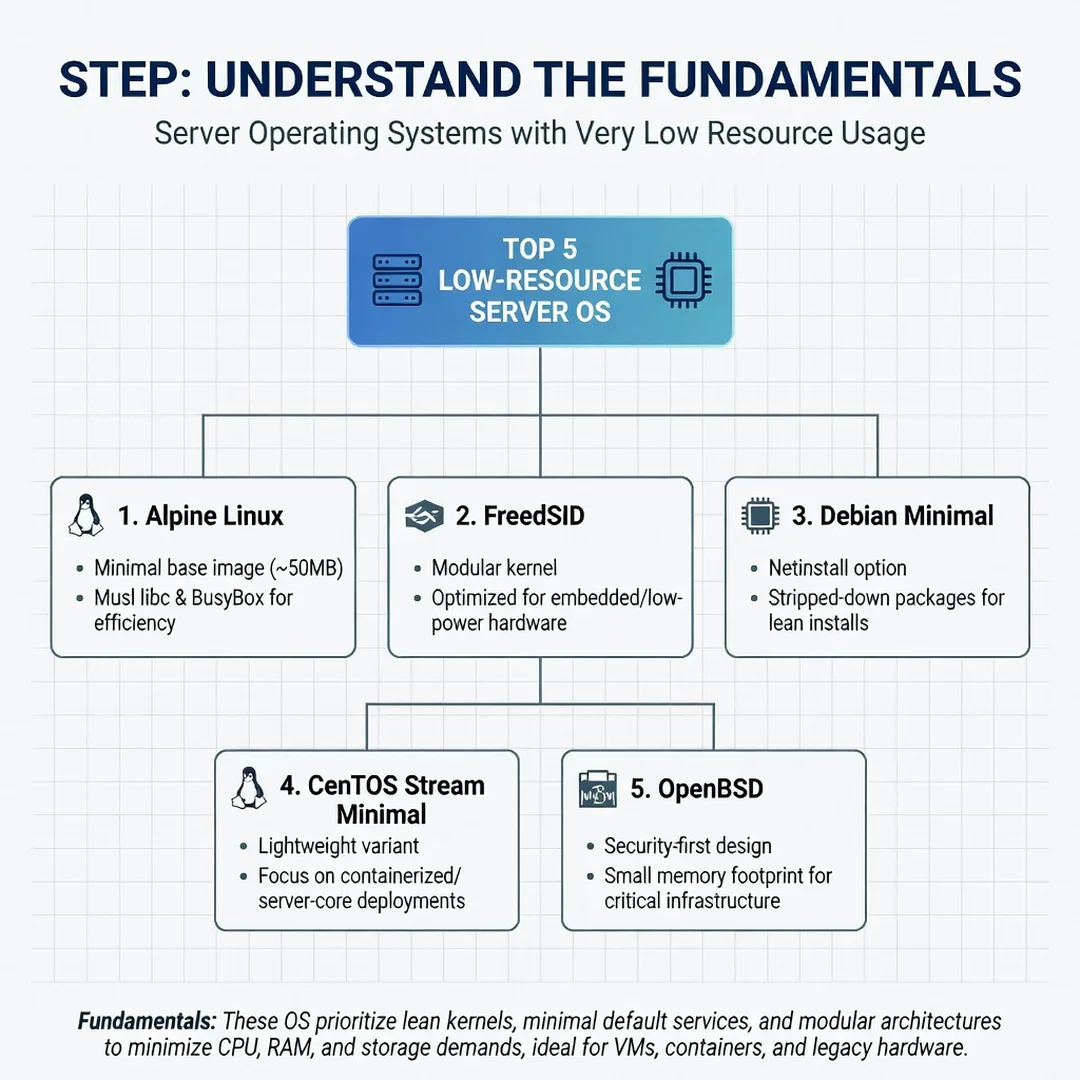
Step 1: Understand the fundamentals
Learn what consumes resources: systemd or init services, logging daemons, package managers, and monitoring agents. Run free -m, top, and systemctl list-units --type=service on any test machine to see baseline usage. Understanding these fundamentals prevents you from blaming the OS for memory used by your own applications.
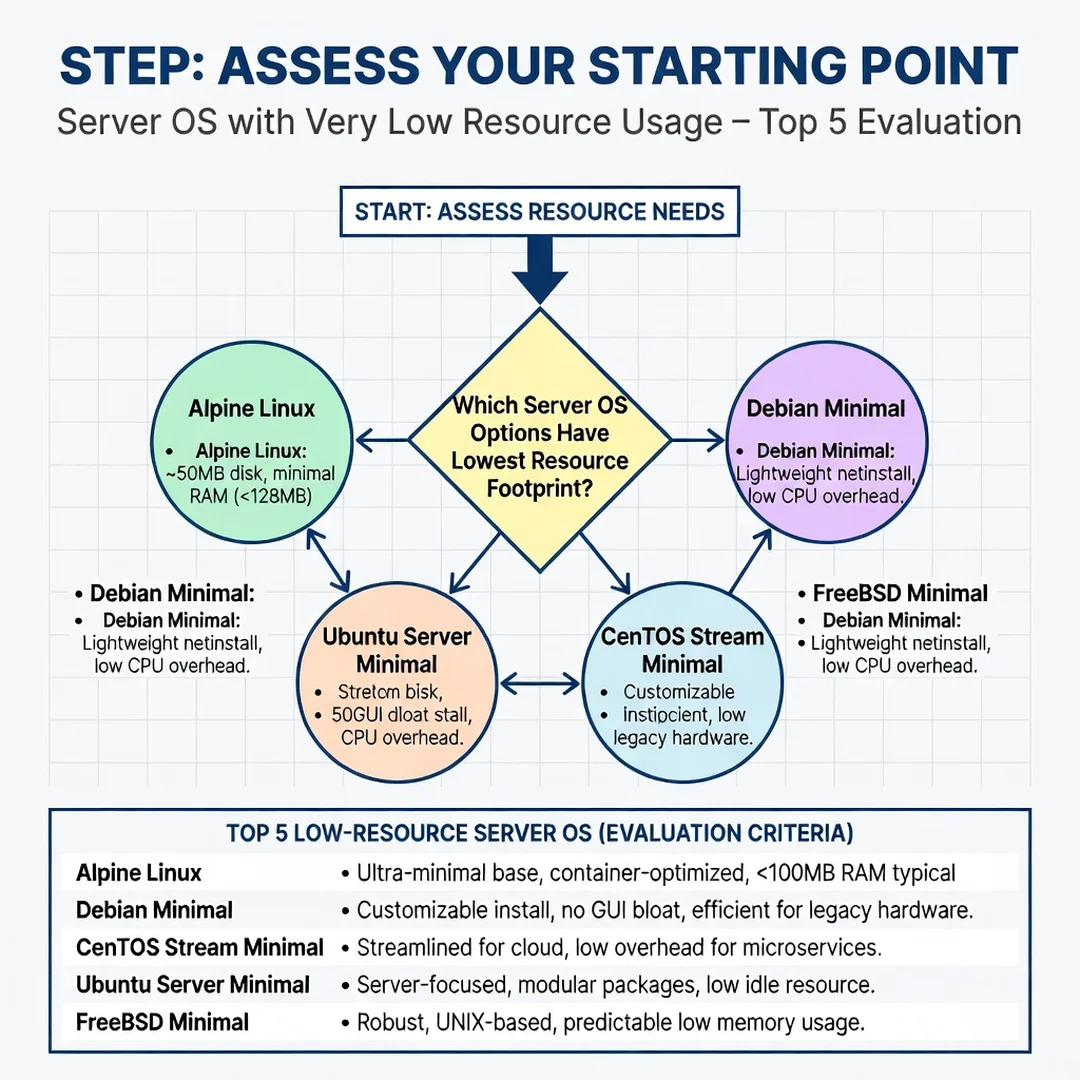
Step 2: Assess your starting point
Document your hardware: CPU architecture (ARM64 vs x86), RAM size, disk type, and network requirements. Check whether your required software has packages for your architecture. Always verify software compatibility with your hardware architecture (ARM64 vs x86). If you run a control panel, database, or specific runtime, confirm it supports your chosen OS before installing.
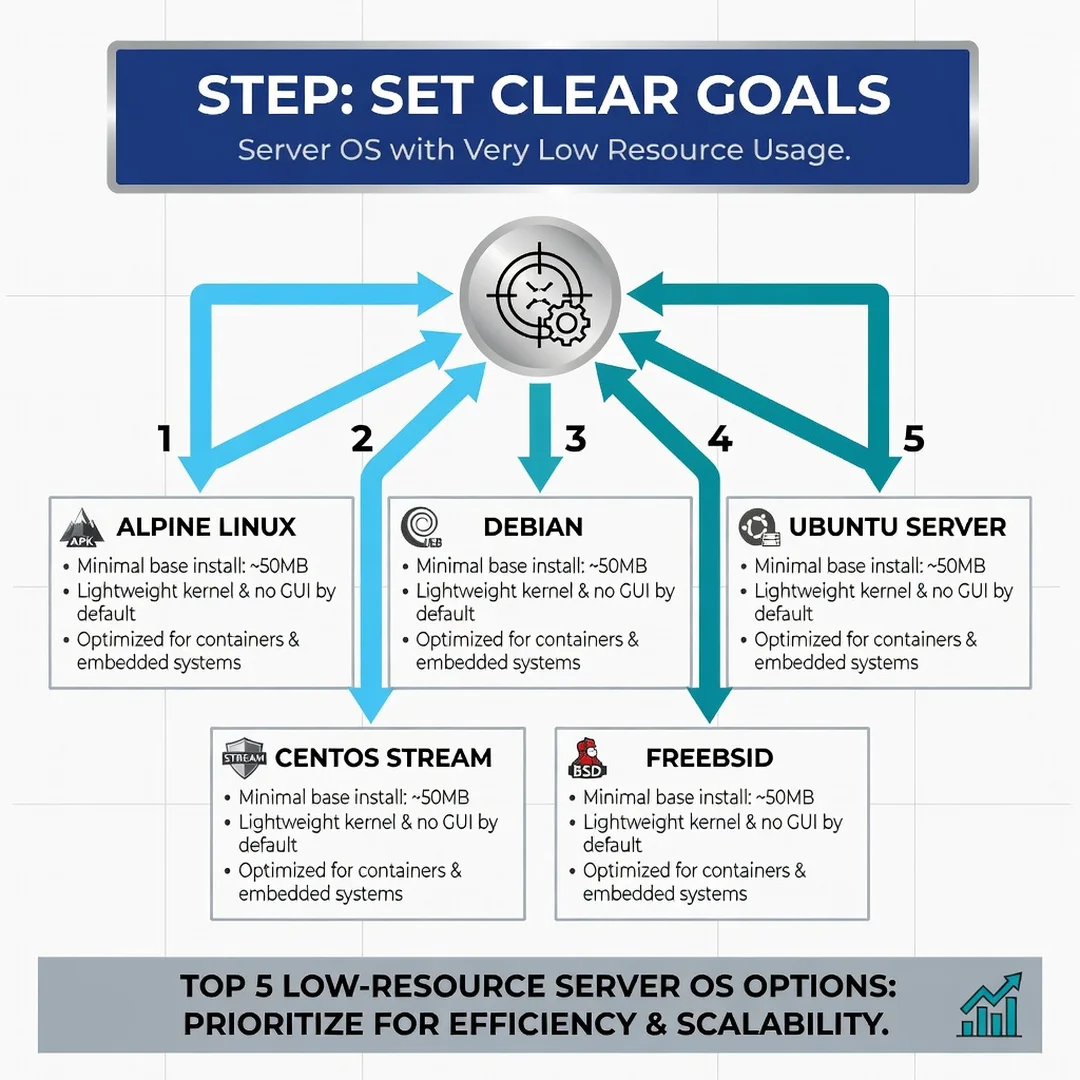
Step 3: Set clear goals
Define measurable targets. For example: idle RAM under 150 MB, boot time under 20 seconds, and no unnecessary open ports. Write these down. Goals turn a vague “make it fast” request into a testable checklist that guides your distribution choice.
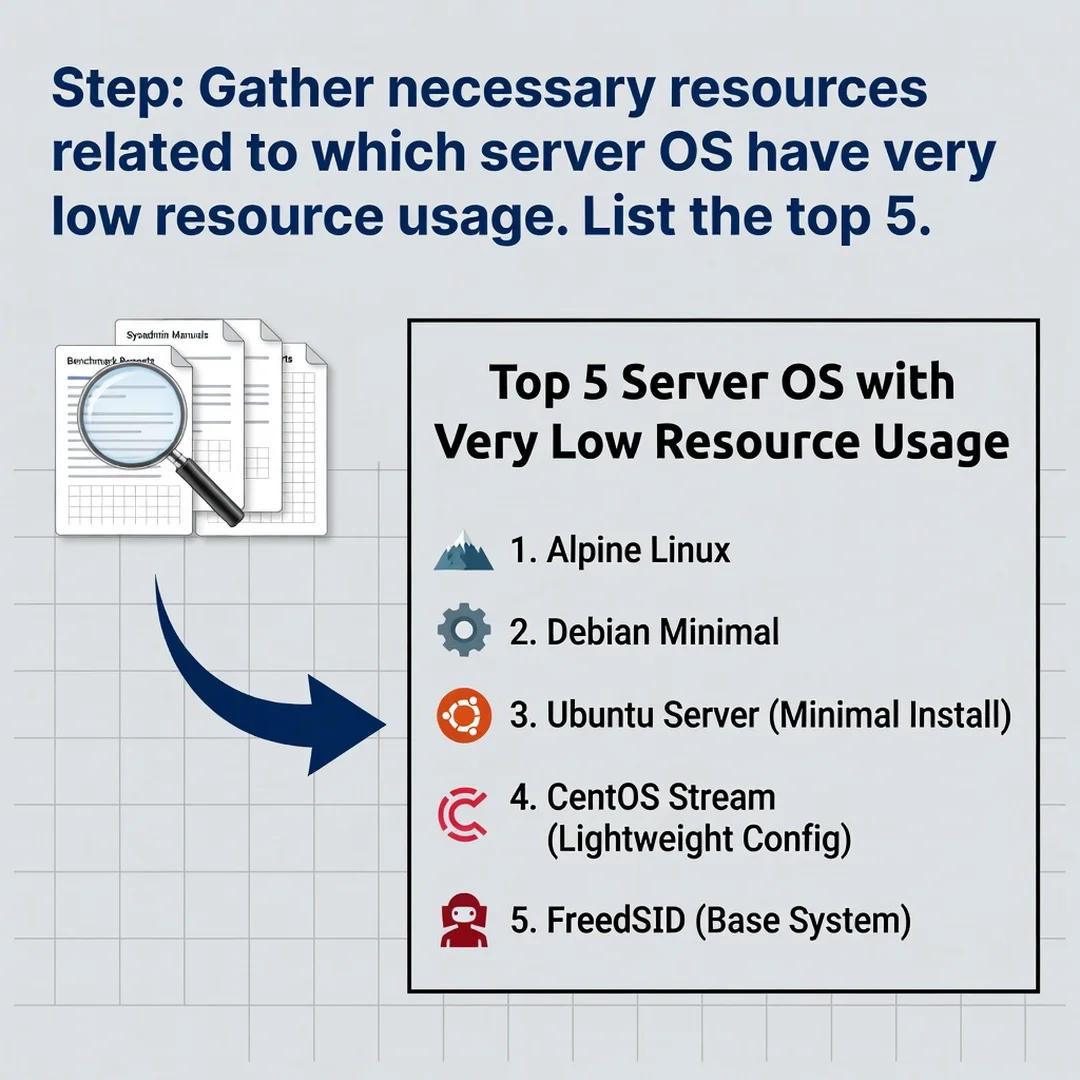
Step 4: Gather necessary resources
Download the ISO or cloud image from the official source. Prepare a USB drive or VM, a static IP plan, and SSH keys. Read the release notes. Keeping your operating system updated before installation prevents dependency conflicts, so apply the latest point release image rather than an outdated one.
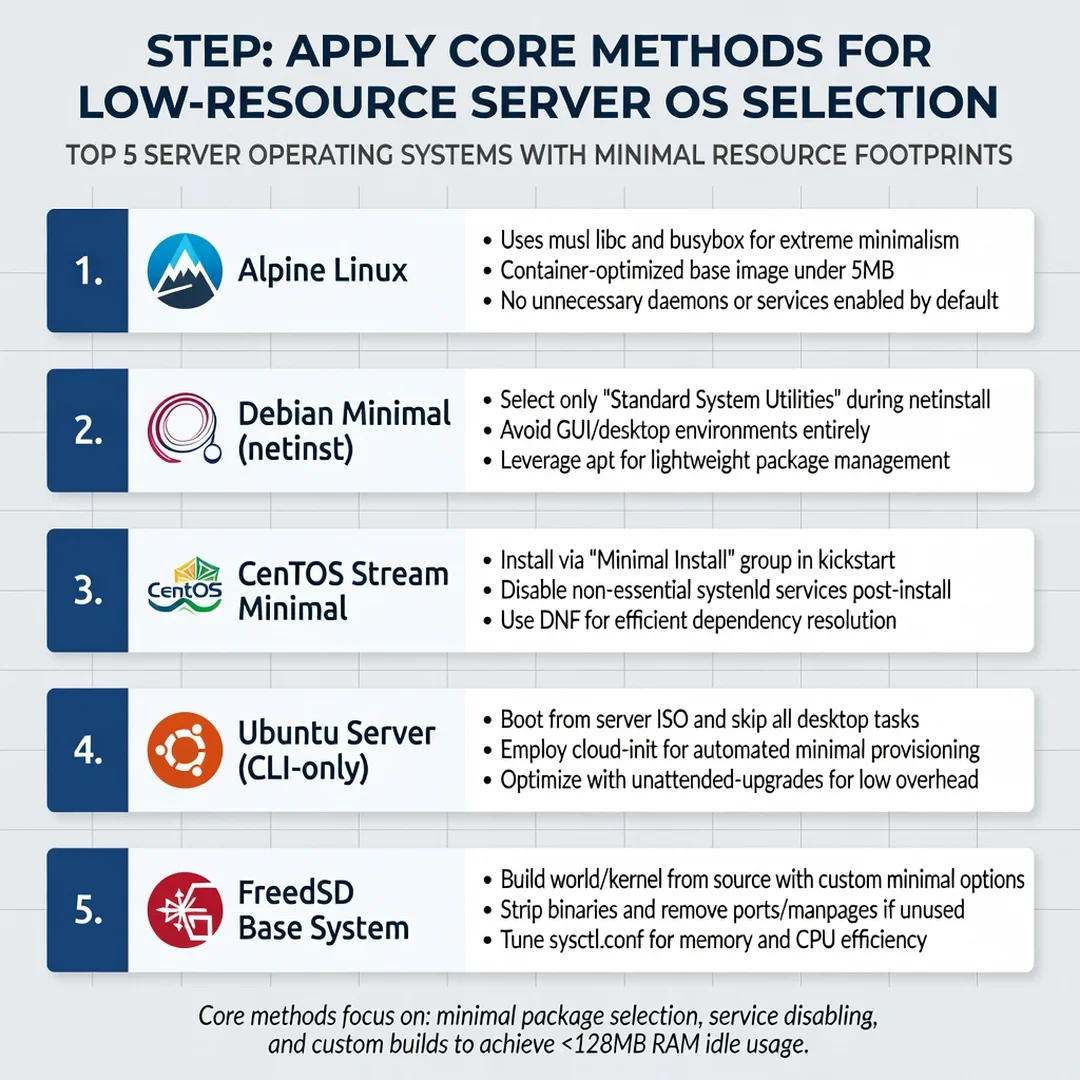
Step 5: Apply the core methods
Install the minimal variant, then harden and trim:
- Remove or disable unused services (printers, Bluetooth, avahi, snapd).
- Use a lightweight init if available (runit, OpenRC, SysV).
- Enable a firewall such as nftables or pf and close all non-essential ports.
- Configure unattended security updates.
- Measure again with
free -mandsystemd-analyze(or equivalent).
Repeat measurement after each change so you know exactly what saved resources.
Best Practices
- Always run a minimal or “netinst” installation and add only what you need.
- Verify architecture compatibility (ARM64 vs x86) for every package before deployment.
- Update the base OS image before installation to avoid dependency conflicts.
- Prefer containers (Docker, Podman, jails) to isolate workloads and reduce per-service overhead.
- Monitor idle usage weekly; resource creep from updates is real.
- Use SSH keys, disable password logins, and apply least-privilege accounts.
- Document your configuration so rebuilds are fast and consistent.
- Test updates in a staging VM before applying them to production servers.
FAQ
How long does it take to complete which server os have very low resources usage tel me top 5?
For a single server, selecting and installing a low-resource OS takes roughly 30 to 60 minutes. Trimming services, hardening, and verifying idle usage adds another 1 to 2 hours. If you are evaluating all five options in virtual machines, budget a full day. The research and compatibility checks are often the longest part, not the installation itself.
Do I need prior Linux experience?
No, but basic command-line familiarity helps significantly. Beginners can start with Ubuntu Server or Debian minimal because of their extensive documentation and community support. Alpine, Void, and FreeBSD assume more comfort with manual configuration. If you are new, follow a guided tutorial and use a virtual machine to practice before touching production hardware.
Conclusion
The top 5 low-resource server operating systems — Alpine Linux, minimal Debian, minimal Ubuntu Server, Void Linux, and FreeBSD — each idle well under 200 MB and can run comfortably on 512 MB of RAM or less. Your best choice depends on your software stack, architecture, and experience level. Always verify software compatibility with your hardware architecture (ARM64 vs x86), and keep your operating system updated before installation to prevent dependency conflicts. Start with a minimal install, measure idle usage, trim unnecessary services, and you will have a fast, efficient server that leaves maximum resources for real work.
Frequently Asked Questions
How long does it take to complete which server os have very low resources usage tel me top 5?
Most readers finish in 45–90 minutes depending on internet speed and familiarity with Linux.
Do I need prior Linux experience?
Basic comfort with the terminal and SSH is helpful. This guide explains each command.
You now have a complete workflow for which server os have very low resources usage tel me top 5. Keep your system updated, monitor resource usage, and revisit this guide when software versions change.
Next steps: harden your server firewall, set up automated backups, and explore related tutorials linked above.