5 min read • 1,039 words
As technology continues to evolve, the debate between windows 10 vs windows 11 has become increasingly relevant for users looking to upgrade their operating systems. With Windows 11 introducing a host of new features and a fresh design, including a redesigned Start Menu and Taskbar, many are left wondering if the transition is worth it. This article will explore the key differences and enhancements that Windows 11 brings to the table compared to its predecessor, Windows 10.
One of the most significant shifts in the windows 10 vs windows 11 discussion is the requirement for a compatible 64-bit processor in Windows 11, which sets a higher standard for hardware compared to Windows 10. Additionally, Windows 11 offers innovative features such as Snap Layouts for improved multitasking and enhanced gaming capabilities like DirectStorage and Auto HDR. This article will delve into these advancements, as well as the improved virtual desktop support that Windows 11 provides, helping you make an informed decision about your next operating system upgrade.
User Interface and Design
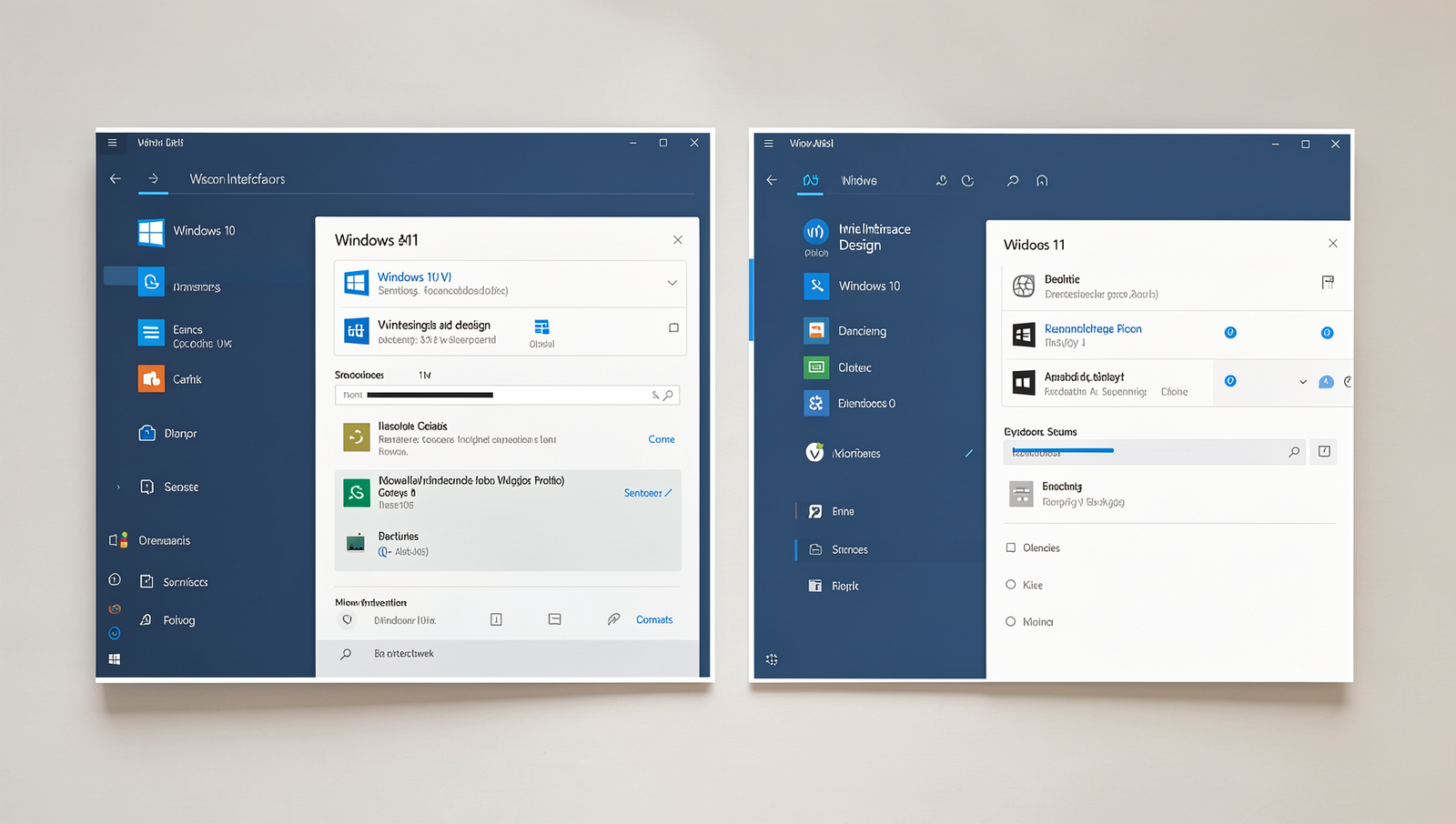
The user interface and design of Windows 10 vs Windows 11 showcase significant differences that cater to modern user preferences. One of the most noticeable changes in Windows 11 is the centered Start menu and taskbar, which contrasts with the traditional left-aligned layout of Windows 10. This new design aims to create a more streamlined and user-friendly experience.
Windows 11 also introduces redesigned icons and rounded corners, giving the operating system a more contemporary aesthetic. These visual updates enhance the overall look and feel, making it more appealing to users who appreciate a modern interface.
- Centered Start Menu: Easily accessible from the center of the screen.
- Redesigned Icons: Fresh and modern icons that improve visual clarity.
- Rounded Corners: Softer edges that contribute to a more inviting design.
For example, when you open the Start menu in Windows 11, you will notice a more organized layout with pinned apps and recommended content displayed prominently. In contrast, Windows 10 presents a more cluttered view with live tiles. Overall, the design evolution in Windows 11 reflects a shift towards simplicity and elegance, making it a compelling choice for users considering the windows 10 vs windows 11 debate.
Performance and Gaming
When comparing windows 10 vs windows 11, one of the most significant advantages of Windows 11 is its optimization for newer hardware. This means that users with modern CPUs and GPUs can experience enhanced performance, especially in gaming scenarios. Windows 11 is designed to take full advantage of the latest technologies, resulting in smoother gameplay and improved frame rates.
One of the standout features of Windows 11 is its implementation of DirectStorage technology. This innovation allows games to load assets directly from the SSD to the GPU, bypassing the CPU. As a result, players can enjoy dramatically faster loading times. For example, games that previously took minutes to load on Windows 10 can now be ready in seconds on Windows 11.
- Improved resource management for better multitasking.
- Enhanced support for DirectX 12 Ultimate, offering better graphics and performance.
- Game Mode optimizations that prioritize gaming performance over background tasks.
In practical terms, gamers upgrading from Windows 10 to Windows 11 can expect not only faster load times but also a more responsive gaming experience overall. Titles like Forza Horizon 5 and Call of Duty: Warzone have shown significant performance improvements on Windows 11, showcasing the benefits of this new operating system.
System Requirements and Compatibility
When comparing windows 10 vs windows 11, one of the most significant differences lies in their system requirements. Windows 11 introduces stricter hardware specifications that must be met for installation. For instance, Windows 11 mandates the presence of TPM 2.0 (Trusted Platform Module) and Secure Boot capability. These requirements are designed to enhance security but can exclude many older devices that currently run Windows 10.
In contrast, Windows 10 supports a broader range of hardware configurations, making it more accessible to users with older machines. This flexibility allows a wider variety of users to continue using their existing devices without the need for costly upgrades.
- Windows 11 Requirements:
- TPM 2.0
- Secure Boot
- 1 GHz or faster processor with at least 2 cores
- 4 GB RAM or more
- 64 GB storage or more
- Windows 10 Requirements:
- 1 GHz processor
- 1 GB RAM for 32-bit or 2 GB for 64-bit
- 16 GB storage for 32-bit or 20 GB for 64-bit
For example, a device that runs Windows 10 with an older processor and lacks TPM 2.0 will not be eligible for an upgrade to Windows 11. This limitation can be a significant consideration for users deciding between the two operating systems.
Conclusion
In the ongoing debate of Windows 10 vs Windows 11, both operating systems offer unique features and enhancements that cater to different user preferences. Windows 10 remains a reliable choice for those who prioritize stability and familiarity, while Windows 11 introduces a modern interface and improved performance for users seeking the latest technology. Ultimately, the decision between the two will depend on individual needs and the specific requirements of the tasks at hand.
As Microsoft continues to support Windows 10 until 2025, users have the flexibility to transition to Windows 11 at their own pace. Whether you choose to stick with Windows 10 or embrace the innovations of Windows 11, both systems provide robust functionality and security, ensuring a productive computing experience for all users.
Frequently Asked Questions
What are the main differences between Windows 10 and Windows 11?
The main differences between Windows 10 and Windows 11 include a redesigned user interface with a centered Start menu, improved multitasking features such as Snap Layouts, enhanced gaming capabilities, and updated system requirements. Windows 11 also introduces new features like Widgets and a more integrated Microsoft Teams experience.
Is Windows 11 free for Windows 10 users?
Yes, Windows 11 is free for eligible Windows 10 users. If your device meets the minimum system requirements, you can upgrade to Windows 11 at no additional cost through Windows Update.