5 min read • 1,084 words
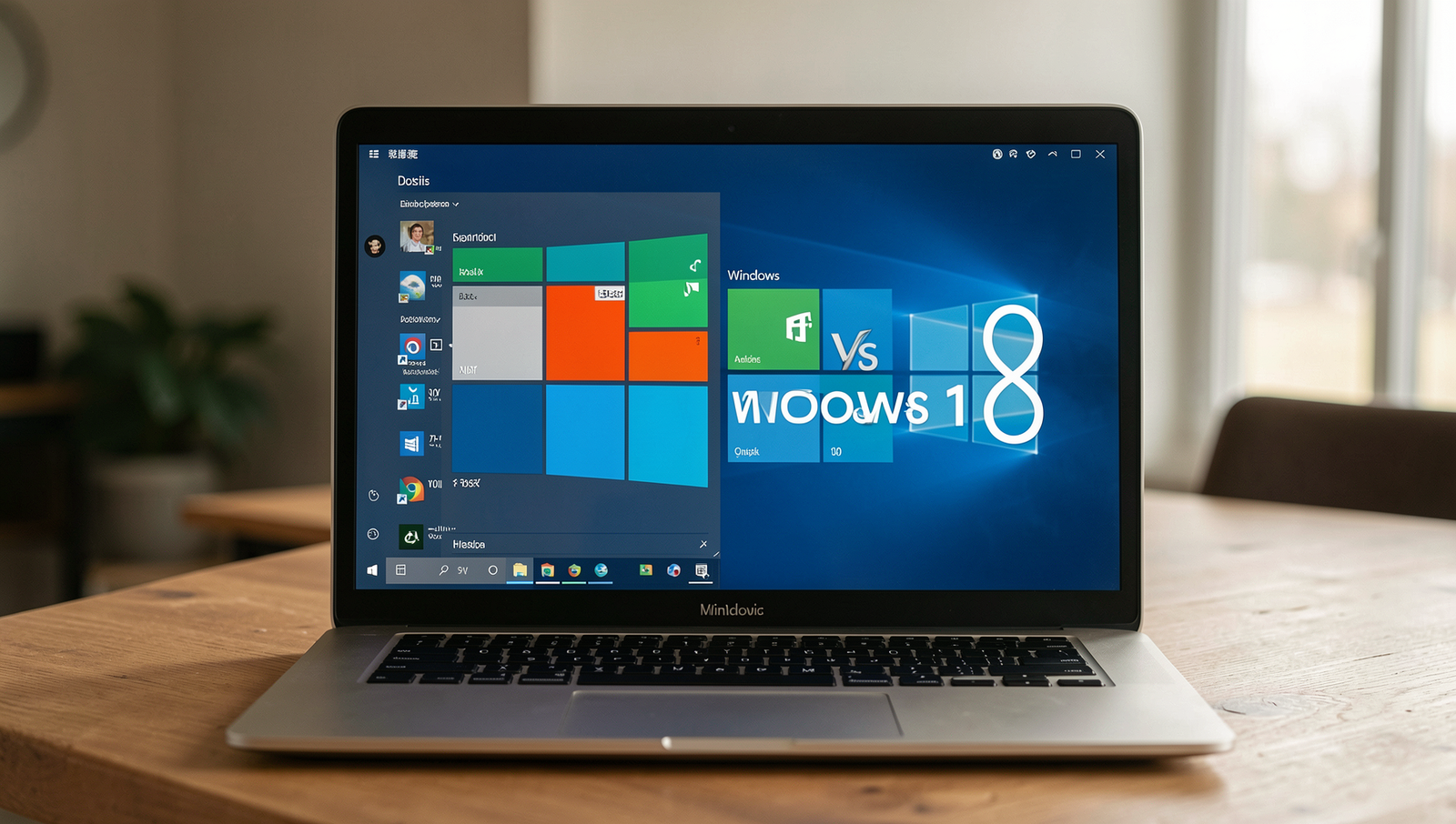
The debate of windows 8 vs windows 10 has been a hot topic among users and tech enthusiasts alike. As Microsoft transitioned from Windows 8 to Windows 10, significant changes were made to enhance user experience, security, and overall performance. Windows 10 reintroduced the beloved Start Menu, which many users felt was a crucial feature missing from its predecessor. This article will delve into the key differences and improvements that Windows 10 brings to the table, making it a compelling upgrade for those still using Windows 8.
In addition to the return of the Start Menu, windows 8 vs windows 10 highlights several other advancements that set the latter apart. Windows 10 boasts improved security features such as Windows Hello and an upgraded Windows Defender, ensuring users’ data is better protected. Furthermore, gamers will appreciate the support for DirectX 12, which significantly enhances gaming performance compared to Windows 8. With regular updates and support, along with features like virtual desktops, Windows 10 positions itself as a more robust and future-proof operating system.
User Interface and Experience
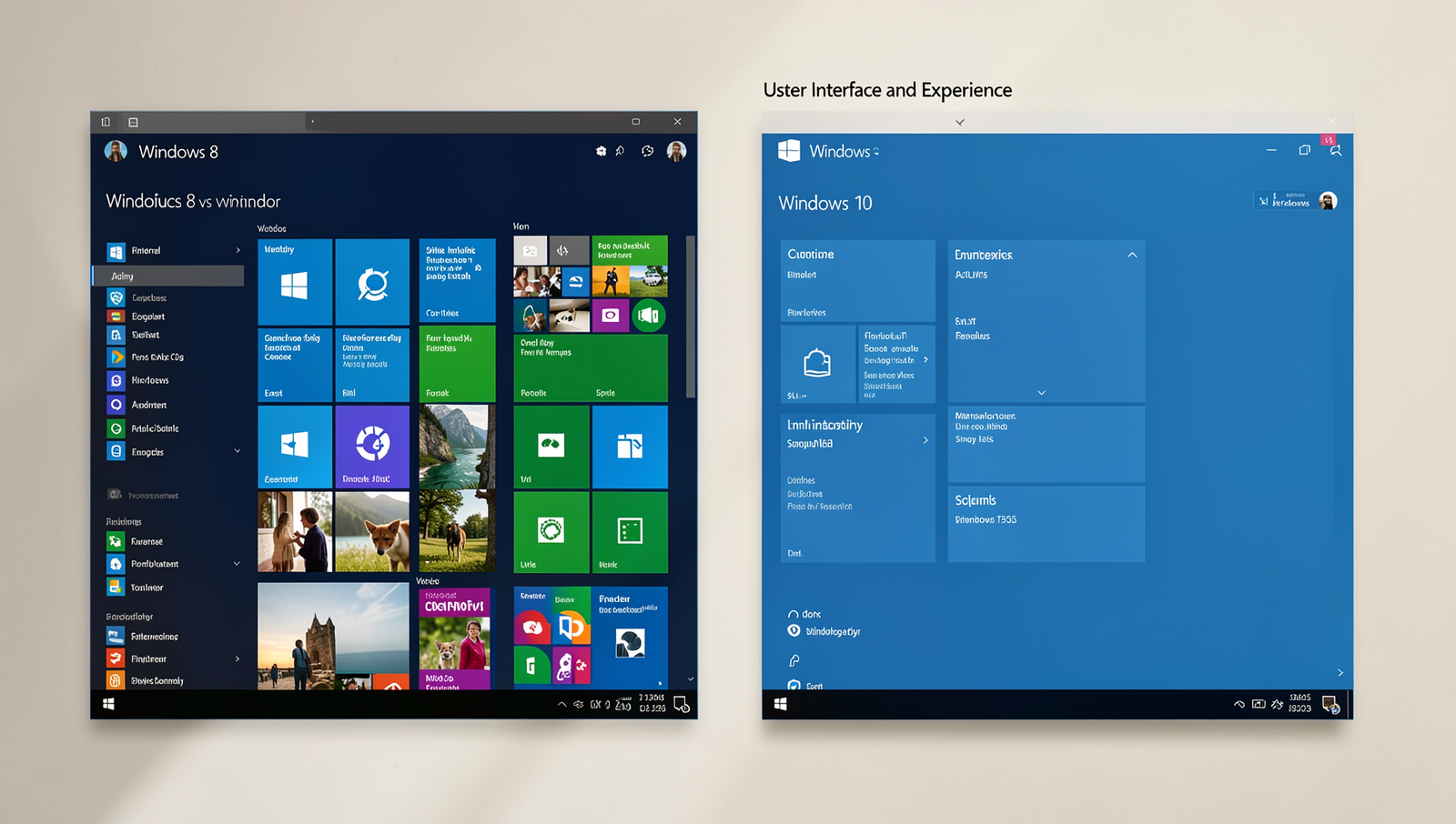
The user interface and experience in windows 8 vs windows 10 highlight significant changes that cater to different user preferences. Windows 8 introduced a bold Start Screen featuring live tiles that provided real-time updates from apps. This design aimed to create a modern, touch-friendly environment suitable for tablets and touchscreen devices.
However, many users found the Start Screen disorienting, especially those accustomed to traditional desktop interfaces. In response, Windows 10 reintroduced a more familiar Start Menu, blending elements from both Windows 7 and Windows 8. This new Start Menu includes:
- Static icons for frequently used applications
- Live tiles for selected apps, allowing users to customize their experience
Additionally, Windows 10 features a more refined and customizable taskbar. Users can pin applications, access the notification center, and utilize virtual desktops for improved multitasking. For example, to pin an application to the taskbar, users can simply right-click on the app icon and select Pin to taskbar.
Overall, the evolution from Windows 8 to Windows 10 reflects a shift towards user-centric design, balancing modern aesthetics with traditional usability.
Performance and System Requirements
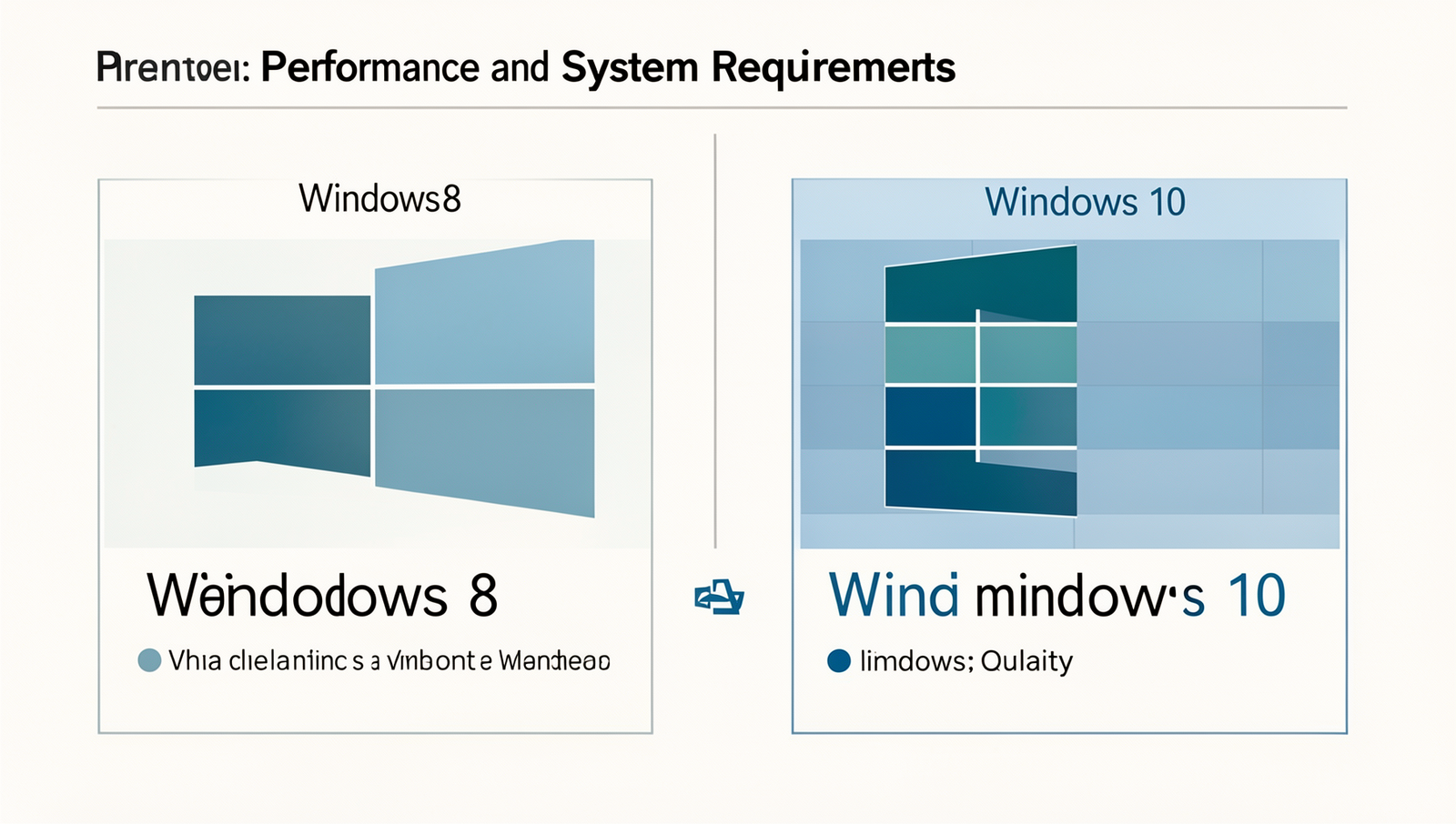
When comparing windows 8 vs windows 10, one of the most significant differences lies in performance and system requirements. Windows 10 has been engineered to be more efficient, providing faster boot times and improved overall responsiveness. This is largely due to its advanced memory management capabilities, which optimize the use of system resources.
For instance, Windows 10 can better allocate RAM to applications that are currently in use, which minimizes lag and enhances multitasking. Users often report that applications open more quickly and run smoother on Windows 10 compared to Windows 8.
However, it is important to note that the system requirements for Windows 10 are slightly higher than those for Windows 8. Here are the minimum requirements for both operating systems:
- Windows 8:
- 1 GHz processor
- 1 GB RAM (32-bit) or 2 GB RAM (64-bit)
- 16 GB free disk space
- Windows 10:
- 1 GHz processor or faster with at least 2 cores
- 1 GB RAM (32-bit) or 2 GB RAM (64-bit)
- 20 GB free disk space
Despite the slightly higher requirements, users with modern hardware often experience a noticeable performance boost when upgrading to Windows 10. This makes it a compelling choice for those looking to enhance their computing experience.
Security Features and Updates
When comparing windows 8 vs windows 10, one of the most significant differences lies in their security features and updates. Windows 10 comes equipped with Windows Defender, which has evolved into a robust antivirus solution that offers real-time protection against malware and other threats. In contrast, Windows 8’s built-in antivirus was less comprehensive, often requiring third-party solutions for enhanced security.
Additionally, Windows 10 introduces advanced security options that are not available in Windows 8. These include:
- BitLocker: A full disk encryption feature that helps protect data by encrypting the entire drive.
- Windows Hello: A biometric authentication method that allows users to log in using facial recognition or fingerprints.
For example, a user with sensitive information can utilize BitLocker to secure their data against unauthorized access, while Windows Hello provides a quick and secure way to log in without remembering complex passwords. Overall, the security enhancements in Windows 10 make it a more secure operating system compared to Windows 8.
Conclusion
In the debate of Windows 8 vs Windows 10, it is clear that Windows 10 offers a more refined and user-friendly experience. With its improved interface, enhanced security features, and better compatibility with modern applications, Windows 10 addresses many of the shortcomings that users faced with Windows 8. The return of the Start Menu and the introduction of virtual desktops have made navigation more intuitive, appealing to both casual users and professionals alike.
Ultimately, the choice between Windows 8 and Windows 10 will depend on individual needs and preferences. While Windows 8 may still serve certain users well, those looking for a more robust and versatile operating system will find that Windows 10 is the superior option. As technology continues to evolve, upgrading to Windows 10 ensures access to the latest features and support, making it a worthwhile investment for any user.
Frequently Asked Questions
What are the main differences between Windows 8 and Windows 10?
The main differences between Windows 8 and Windows 10 include the return of the Start Menu, improved multitasking features, and enhanced security options. Windows 10 also offers better integration with Microsoft services and a more refined user interface, making it more versatile for both touch and desktop users.
Is Windows 10 more user-friendly than Windows 8?
Yes, many users find Windows 10 to be more user-friendly than Windows 8. The familiar Start Menu and improved navigation make it easier for users to access their applications and settings. Additionally, Windows 10 includes features like virtual desktops and a more intuitive task view, enhancing the overall user experience.
Can I upgrade from Windows 8 to Windows 10 for free?
Yes, Microsoft offered a free upgrade from Windows 8 to Windows 10 for a limited time after its release. While the official free upgrade period has ended, some users have reported success in upgrading without charge by using their Windows 8 product key. It is advisable to check Microsoft’s website for the latest information on upgrade options.